PM451 Android 9.0 User Manual
22
© 2024 Point Mobile Co., Ltd. All rights reserved
Learning the basics
Quick Setting Panel
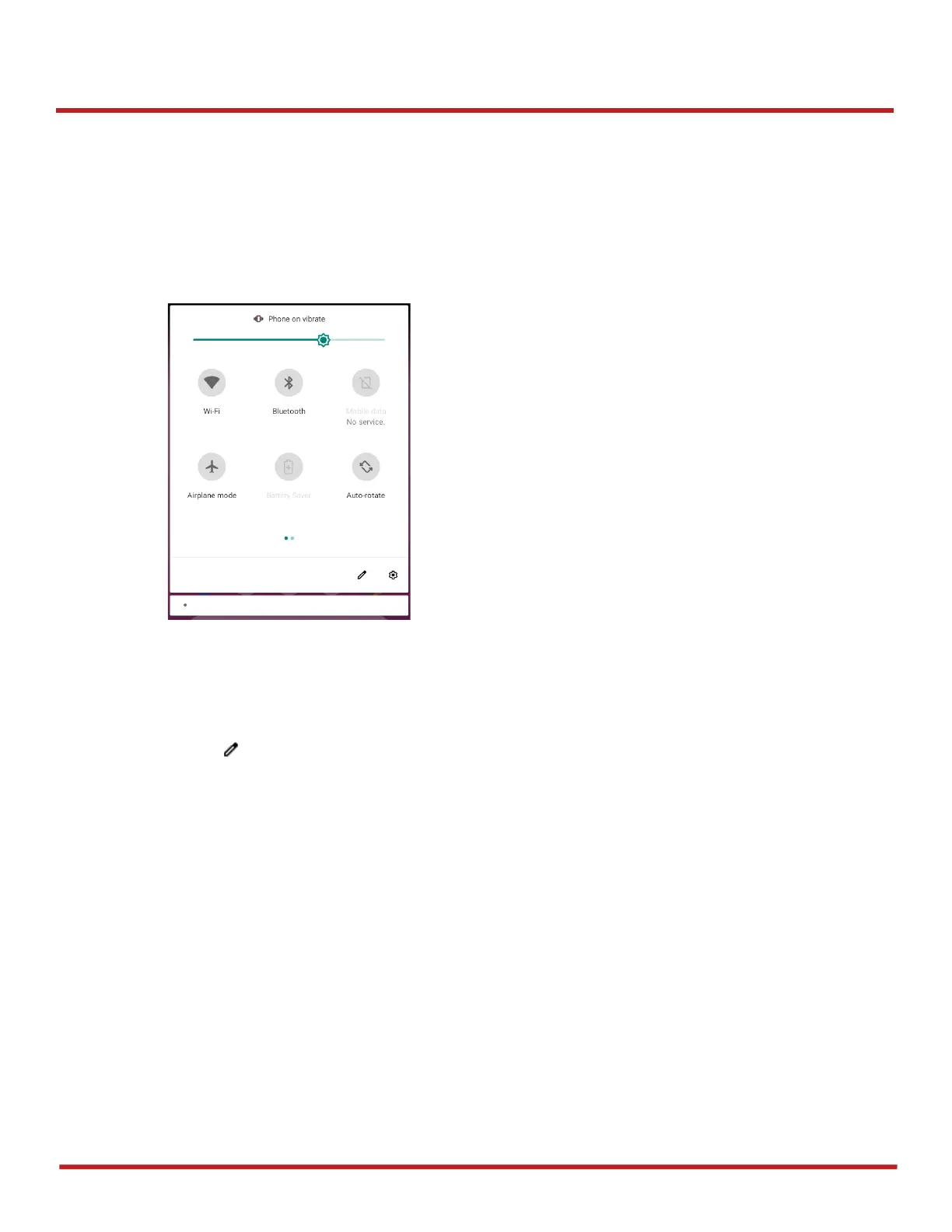
In Quick setting panel, you can easily control some frequently used settings such as Wi-Fi, Bluetooth.
To use the Quick setting panel,
1. Open the Notification panel
2. Drag down the Notification panel
3. Tap a setting icon to enable / disable the setting or long-press an icon to see more detail
If you want to edit the configuration of Quick settings panel,
1. Touch on the bottom of the Quick setting panel
2. By long-press and dragging the icon, you can customize the configuration of the panel



 To Next Page