PM451 Android 9.0 User Manual
48
© 2024 Point Mobile Co., Ltd. All rights reserved
System Maintenance
Check Device Health
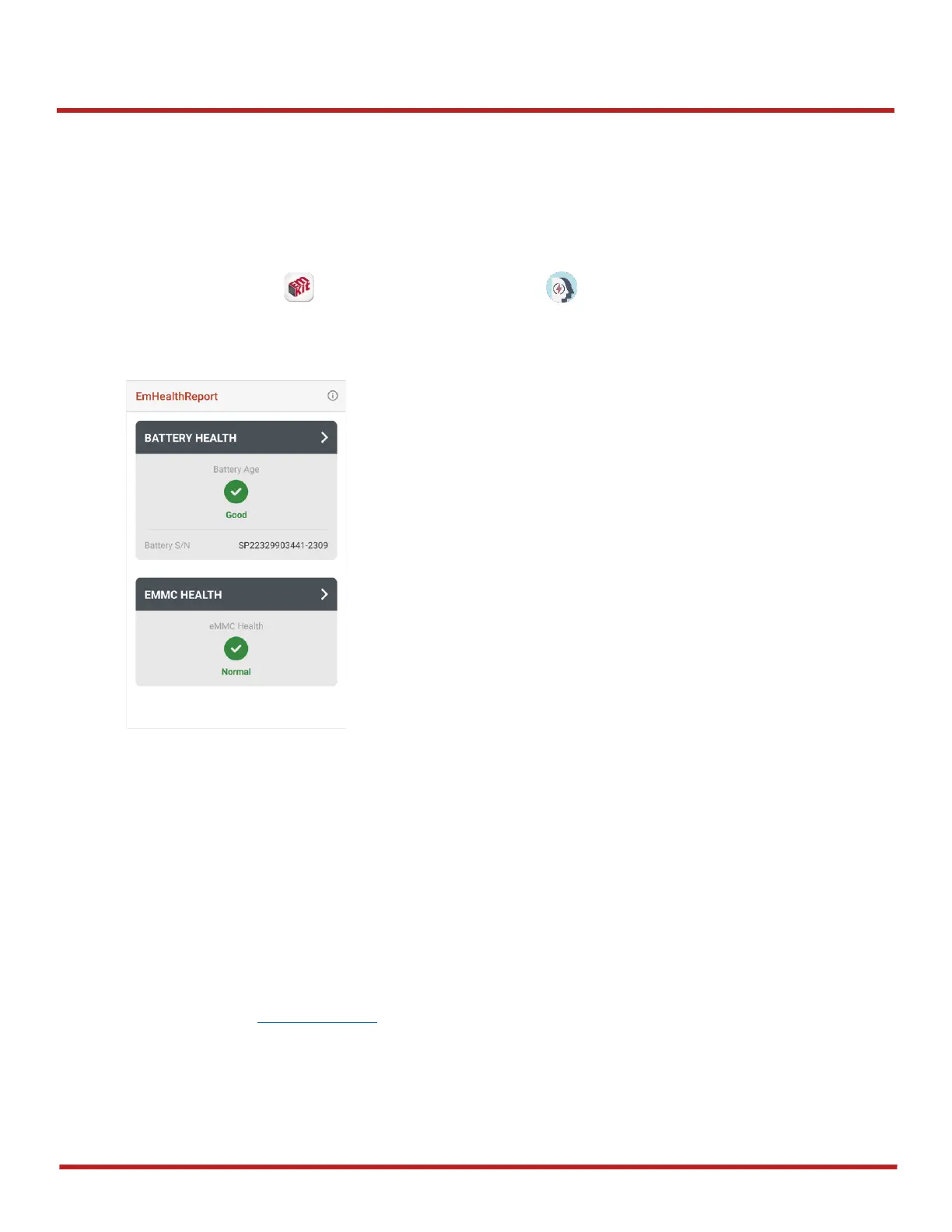
EmHealthReport is a solution that provides the device’s battery and eMMC health.
Monitor the battery and eMMC status to foresight their lifetime or find the cause when there is a
battery problem such as cannot charge the device or rapid battery discharge.
To use, open
EmKit
and launch
EmHealthReport
. You can see the simple device health
information on the main screen. To find detailed information, tap each blue arrow on the right side of
the screen.



 To Next Page