PM451 Android 9.0 User Manual
14
© 2006 – 2020 POINTMOBILE Co., Ltd. All rights reserved
Getting Started
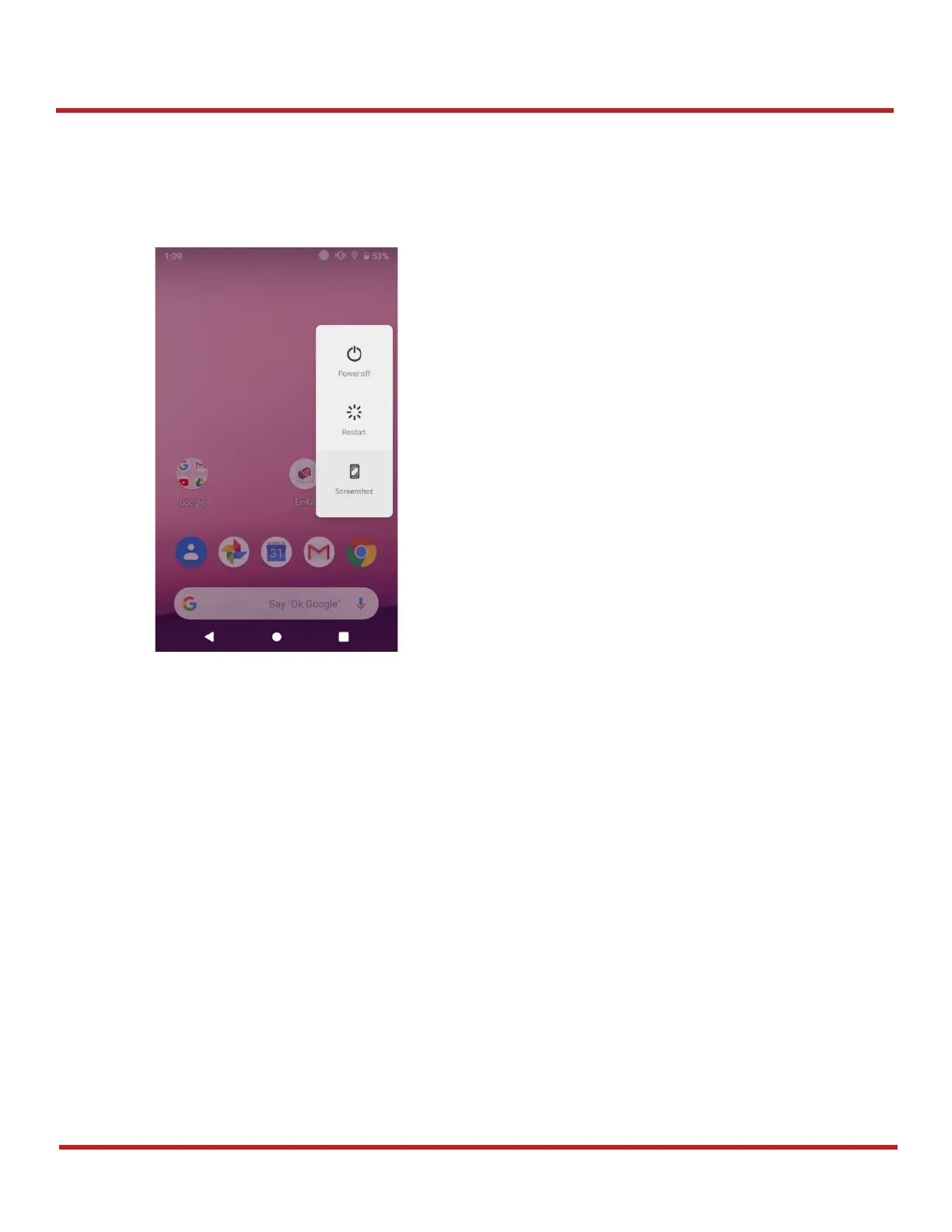
Turn off
1. Press and hold the
Power
button until the power menu is shown
2. Tap
Power off
among the menu
Battery Hot Swap
PM451 provides the Battery Hot swap mode which allows you to replace the battery without turning
off the device. When the battery is removed from the device, the display turns off and the device
enters Hot Swap mode. In Hot swap mode, data is retained for a while. Once you replace the battery
to a new one and lock the Battery lock firmly, the device comes back to normal operation mode
without the booting process.



 To Next Page