PM451 Android 9.0 User Manual
64
© 2006 – 2020 POINTMOBILE Co., Ltd. All rights reserved
Using the Keypad
Program Buttons
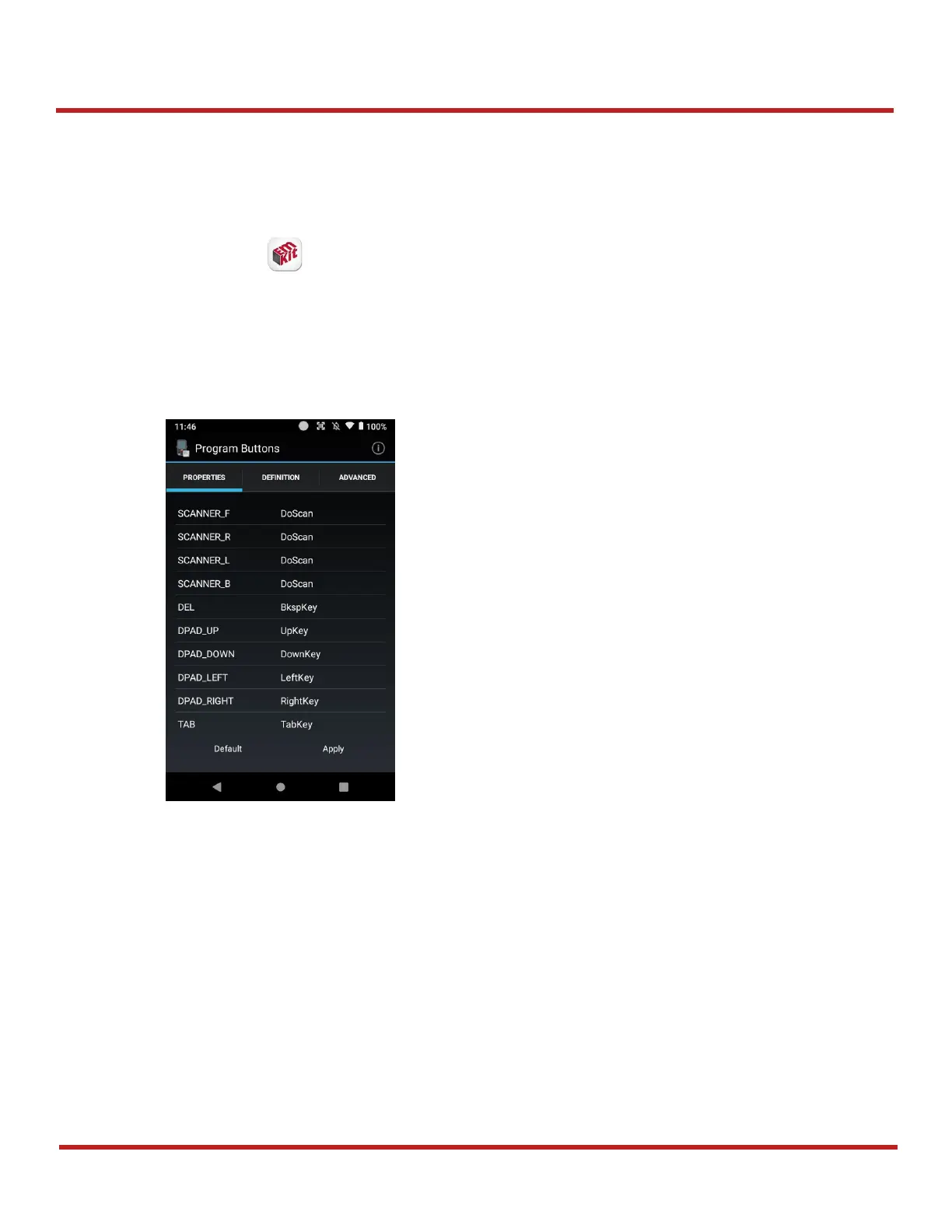
Point Mobile provides a solution that allows keys to be mapped to other functions or applications. To
use the solution,
1. Go to
EmKit
>
Program Buttons
2. Select a key that you want to remap
3. Select a desired function or application in the list
4. Tap
OK
5. After changing all key mapping, tap
Apply
to save the changes
You can set the grid configuration of Symbols key in keypad with Program Buttons, too. To set the
grid,
1. Move to
ADVANCED
tab
2. Tap a cell of the grid you want to change
3. Input the keycode of the desired symbol in the dialog
4. Tap
OK
on the dialog
5. After changing the configuration of grid, tap
Apply
to save the changes



 To Next Page