EasyManua.ls Logo

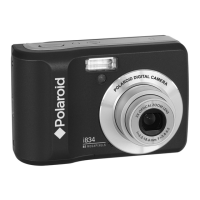
Polaroid I836 - Digital Camera - Compact - Product Overview

Polaroid I836 - Digital Camera - Compact
112 pages
Print Icon
To Next Page IconTo Next Page
To Previous Page IconTo Previous Page
Loading...
2
Polaroid i836 Digital Camera User Guide
www.polaroid.com
Product Overview
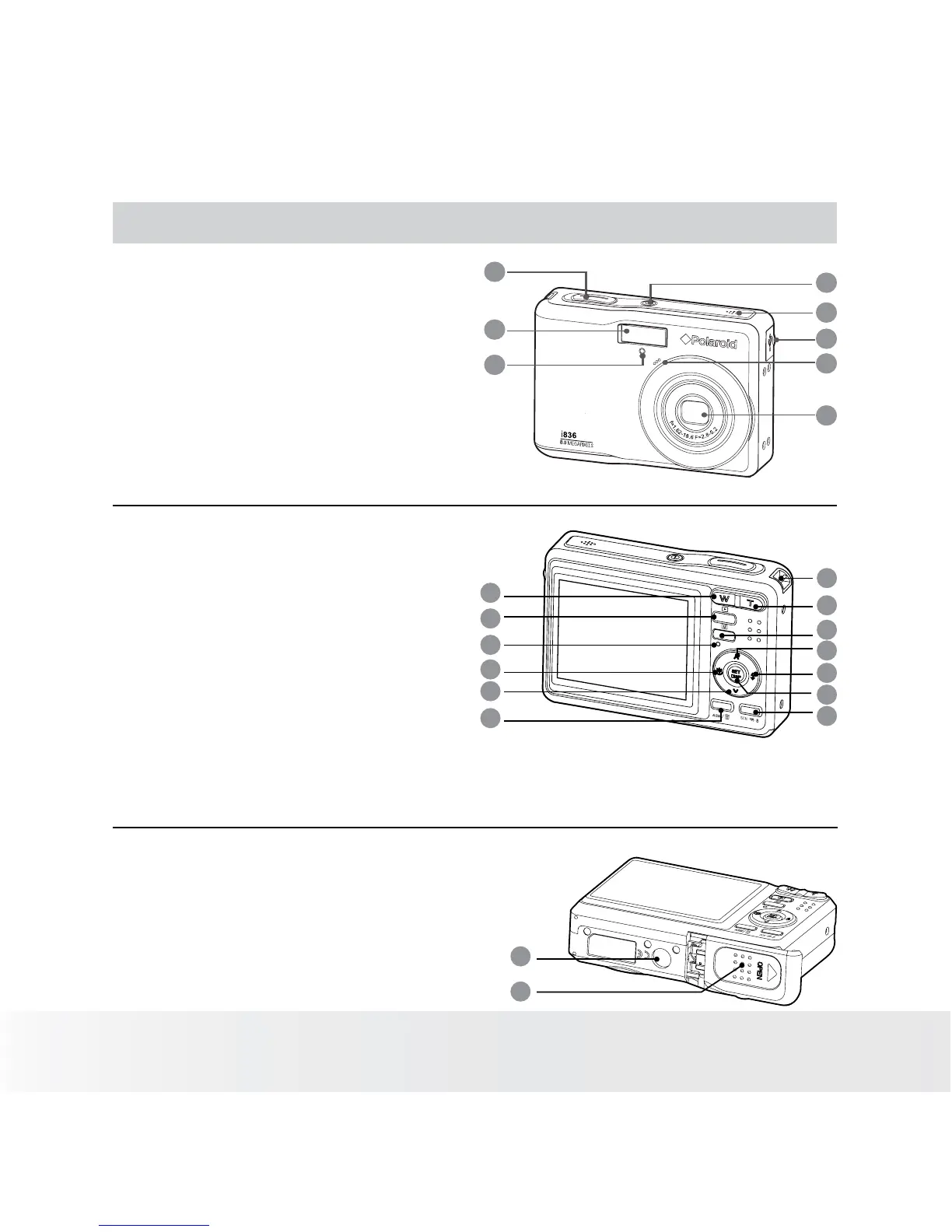
1. Shutter button
2. Flash
3. Self-timer LED
4.
Power button
5.
Speaker
6.
USB/AV port
7.
Microphone
8.
Lens
1
3
4
5
6
7
8
2
3
X
O
P
T
I
C
A
L
Z
O
O
M
L
E
N
S
1
3
4
5
6
7
8
2
* ASM button: Pressing this button switches
among the Aperture Priority, Shutter Priority and
Manual Exposure mode. See Page 41.
9
10
11
12
13
14
15
16
17
18
19
20
21
9. Zoom out / Thumbnail button
10.
Playback mode button
11.
Power / Auto Focus LED
12.
Macro / Left button
13.
Stop / Down button
14.
Delete button
15.
Wrist strap holder
16.
Zoom in button
17.
Menu button
18.
Play / Pause / Up button
19. Flash / Right button
20. Set / Display button
21. Mode button
22. Tripod mount
23. Battery / SD card door
22
23

Table of Contents

Related product manuals