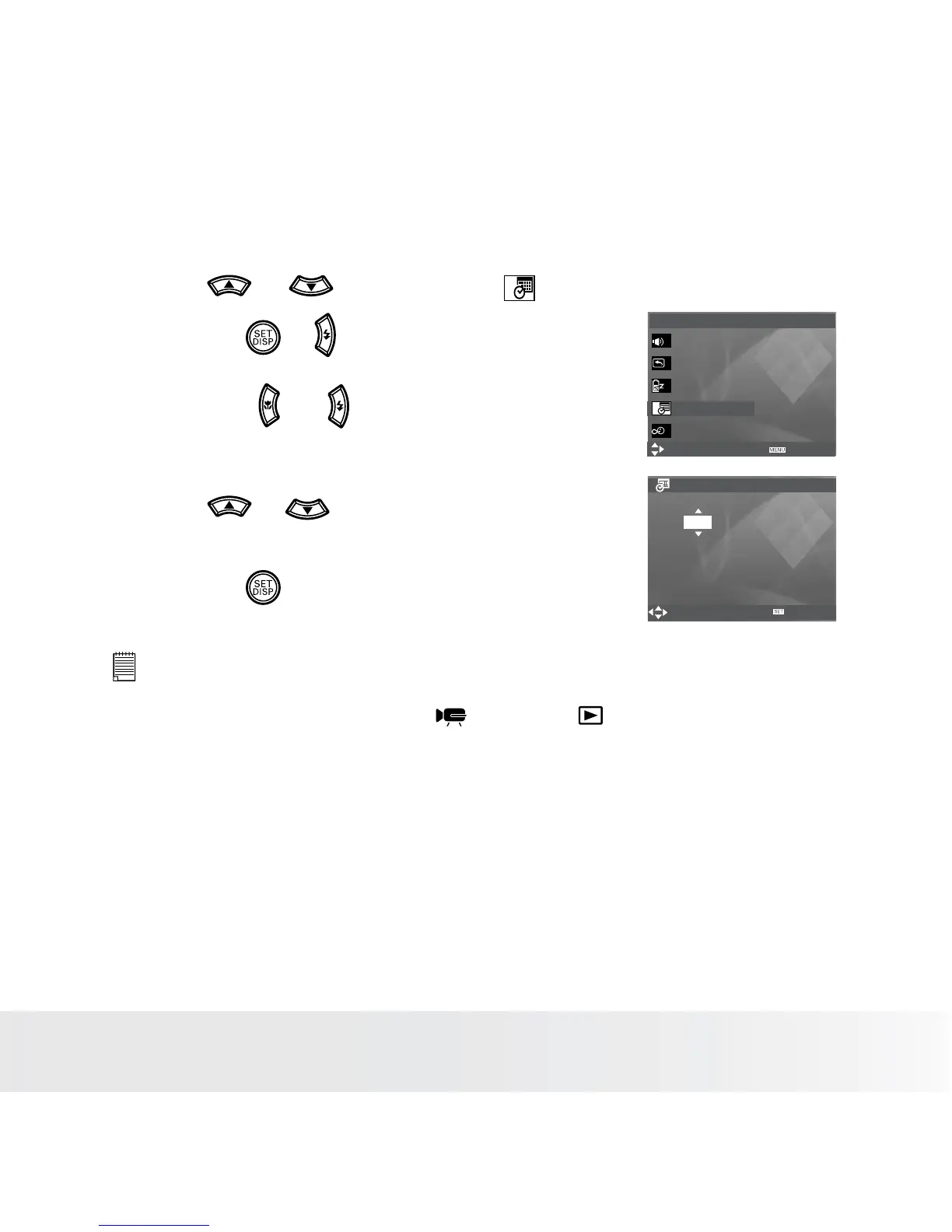
• Setting the Date and Time
1. Access the setup menu.
2. Press or button to select (Date &
Time).
3. Press the or button.
4. Press the or button to select a field,
such year, month, day, hour, minute, and date
format.
5. Press or button to adjust the value in
the field and select the date format.
6. Press the button.
Setup Menu 1/3
Select
Exit
Sounds
Auto Review 3 sec
Power Save 1 min
Date & Time
Language English
Date & Time
Select
YY/MM/DD
2008 / 01 / 01 18:59
OK
NOTE:
• If the batteries are removed for about two days, the time setting will be lost.
• This setting is also available in
(Video) and (Playback) modes.














 To Next Page