5 Recording Audio Clips
• Recording a Audio Clip
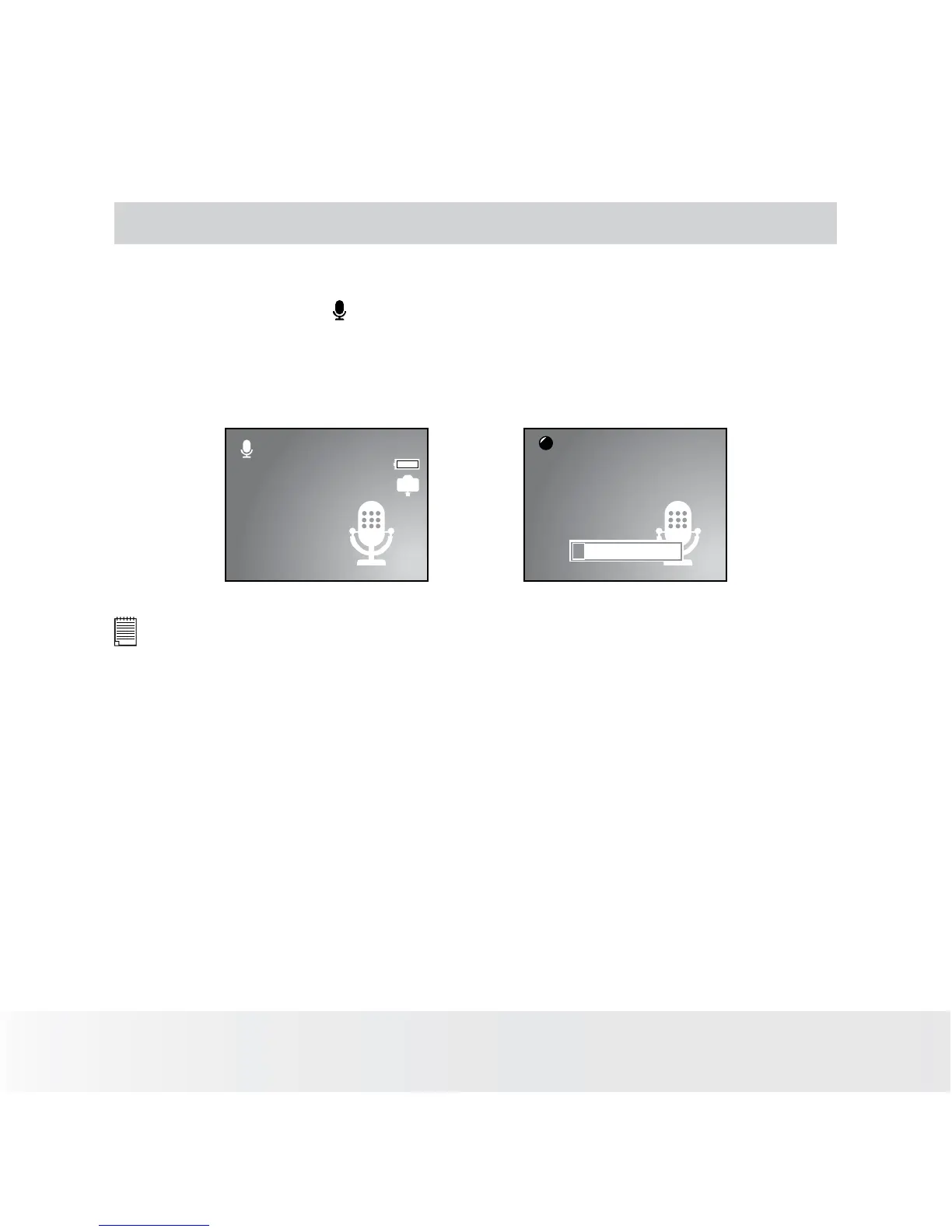
1. Set the camera to (Audio mode). (See page 17)
2. Press the Shutter button completely down to start recording.
3. Press the Shutter button again to stop recording or recording stops
when the current memory is full.
00:09:12
IN
00:02:20
REC
NOTE:
•
The voices are recorded from the microphone of the camera. Be careful to
avoid touching the microphone while recording.
• The camera will stop recording automatically when the memory capacity has
been reached.













 To Next Page