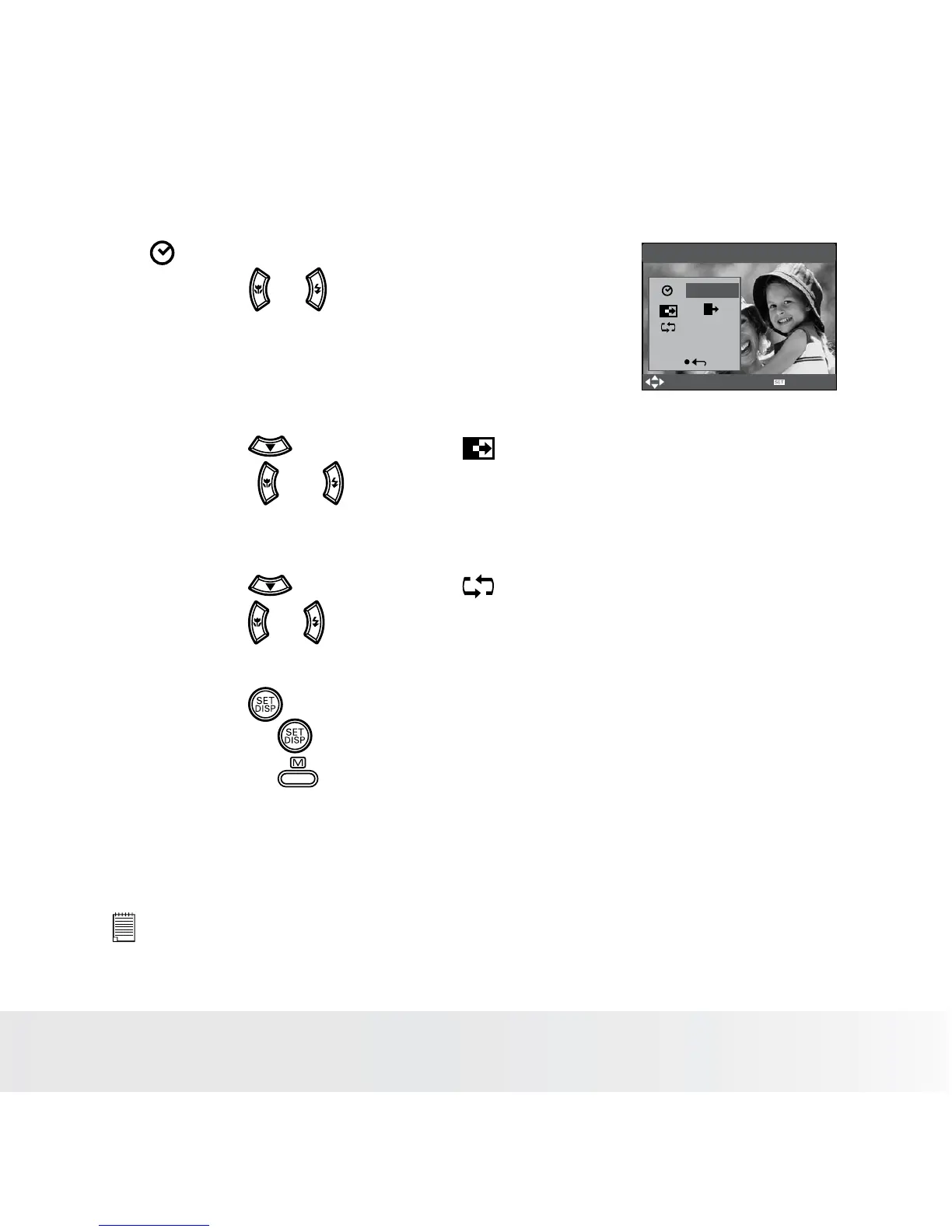
Setting Slide Show Interval Time
Slide Show
3 sec
Yes
Select
OK
Start
5. ICON is the current selection.
6. Press the or button to select the interval
period for each file to display.
Setting Slide Show Effect
7. Press the button to select ICON.
8. Press the
or to select the animation effect for each file to
display.
Setting Repeat On/Off
9. Press the button to select ICON.
10. Press the
or to select the desired setting.
Running a Slide Show
11. Press the button to start a slide show.
12. Pressing the button pauses the slide show.
13. Pressing the stops the slide show.
The slide show will keep running as long as there is power supply.
NOTE:
This function is not available for the video clips and voice recording.














 To Next Page