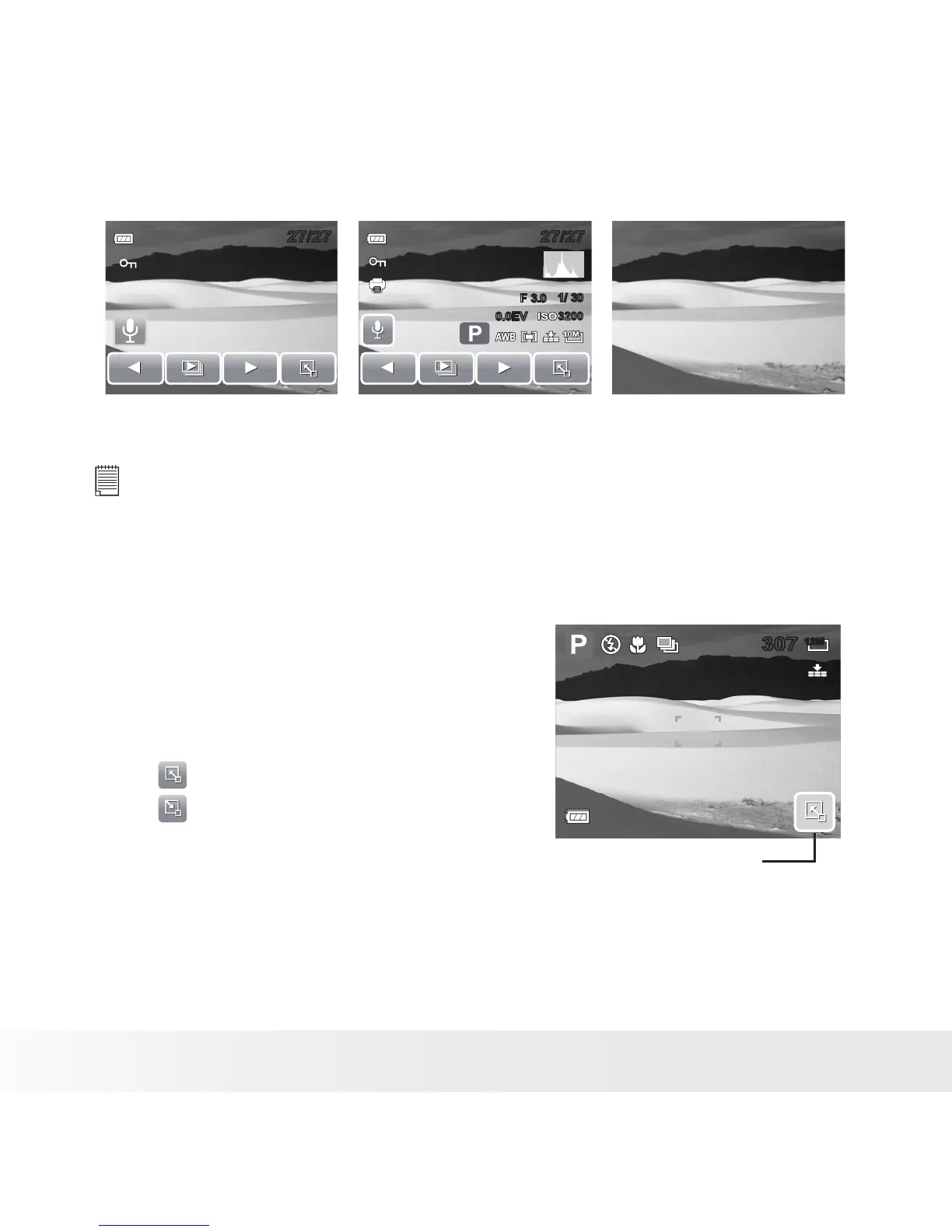
In Playback mode, the LCD display can be changed into any of the following:
27/2727/27
F 3.0F 3.0
1/ 30
1/ 30
0.0EV
0.0EV
27/2727/27
32003200
OSD on Full OSD on OSD off
NOTE:
LCD display cannot be changed for the following situations:
• Recording movie or audio clips
• Playing movie or audio clips
• Playing slideshow
• Using Quick-Set Bar
The Quick-Set Bar acts as a shortcut menu to
adjust basic settings in Record and Playback
Mode. The menu icons show the current settings
for each function. The icons vary depending on
the selected mode and its settings.
Touch to launch Quick-Set Bar.
Touch to close Quick-Set Bar.
12M
307307
Quick-Set Bar icon



 To Next Page
 Loading...








