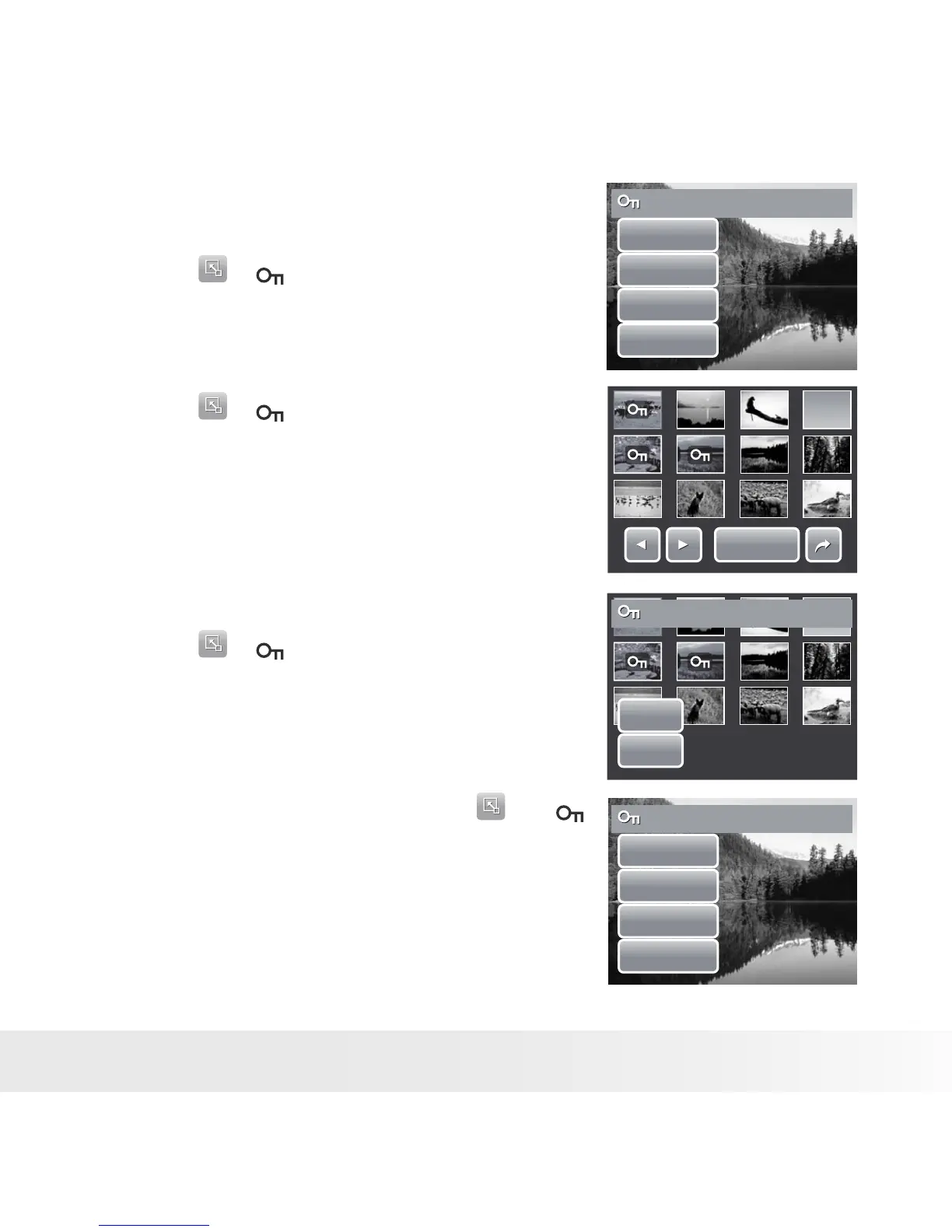
To protect a file
1. View image/video/voice recording you want
to protect on the LCD screen.
2. Touch > . See picture on the right.
3. To protect currently viewed file, touch Yes.
Protect this file?
Yes
No
Select
All
To protect multiple files
1. Touch > .
2. Touch Select. The LCD screen displays files
in thumbnail view.
3. Touch a thumbnail to mark file for protection.
The protect icon appears on the thumbnail.
4. Touch Protect to protect marked files.
5. Select Yes to confirm protect.
Prot.
Prot.
To protect all files
1. Touch > .
2. Touch All.
3. Confirm to protect all files.
Yes
No
Protect selected?
To unprotect files
Protected files can be unlocked following the
same procedure above. Touching >
displays an unprotected confirmation message.
See pictures on the right.
Unprotect this file?
Yes
No
Select
All



 To Next Page
 Loading...








