Touch Shot User manually determines the area of focus and take a
shot by touching the focus frame on the screen.
Face Tracking The camera automatically detects the position of a face
and sets the focus.
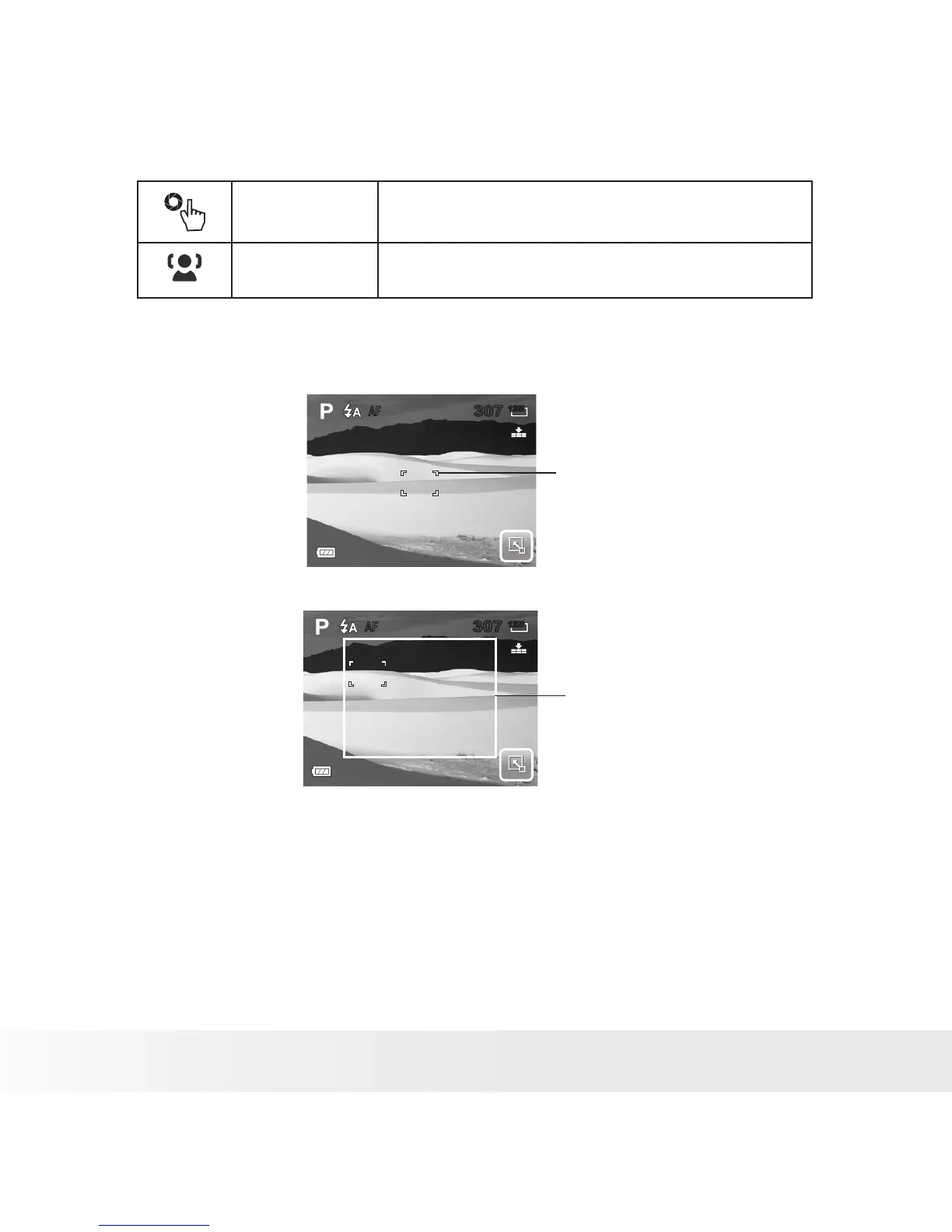
Using Manual and Touch Shot AF Area modes
When you exit the menu after selecting manual or touch shot mode, a yellow
focus frame appears on the LCD screen.
1. Tap and hold the yellow focus frame to display the instruction frame.
2. Drag the yellow focus frame within the instruction frame to manually
choose
3. Capture the image.
• In Manual mode, release your finger then press the shutter button to
capture image.
• In Touch Shot mode, release your finger, the camera automatically
captures the image.
After capturing the image, the yellow focus frame remains on the position
where your finger released it.
307307
AF
307307
AF
12M12M
Yellow Focus Frame
307307
AF
12M12M
Instruction Frame



 To Next Page
 Loading...








