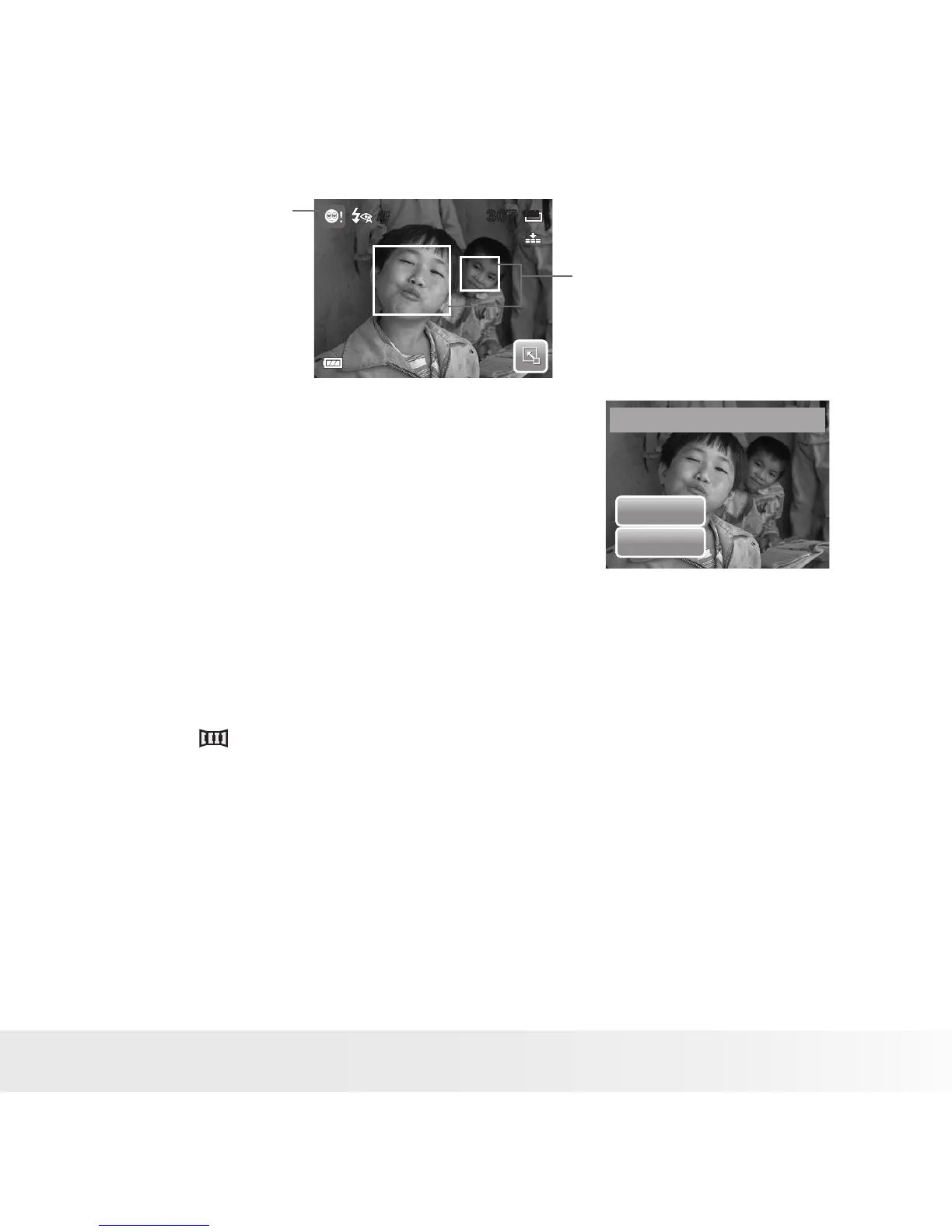
3. Press the shutter button to capture the image.
The image is automatically saved unless the
camera detects that the subject blinked an
eye. In this case, the screen on the right is
displayed.
4. Select Yes to save or No to discard image.
Selecting the Photo Stitch Mode
This feature is used for shooting scenery. Use Photo Stitch to make your
panoramic pictures or combine different scenes into one picture.
1. Select from Scene Mode submenu.
2. Focus the camera on the subject to capture.
307307
12M
AF
Blink Detection Icon
Detected faces are
framed.
Save this image ?
Ye s
No



 To Next Page
 Loading...








