4. Touch SET to add selected photo frame.
5. Select whether to:
• Save As. Save image as a new file.
• No. Discard changes.
• Overwrite. Save and apply changes to the
current file
Save As
Yes
No
Overwrite
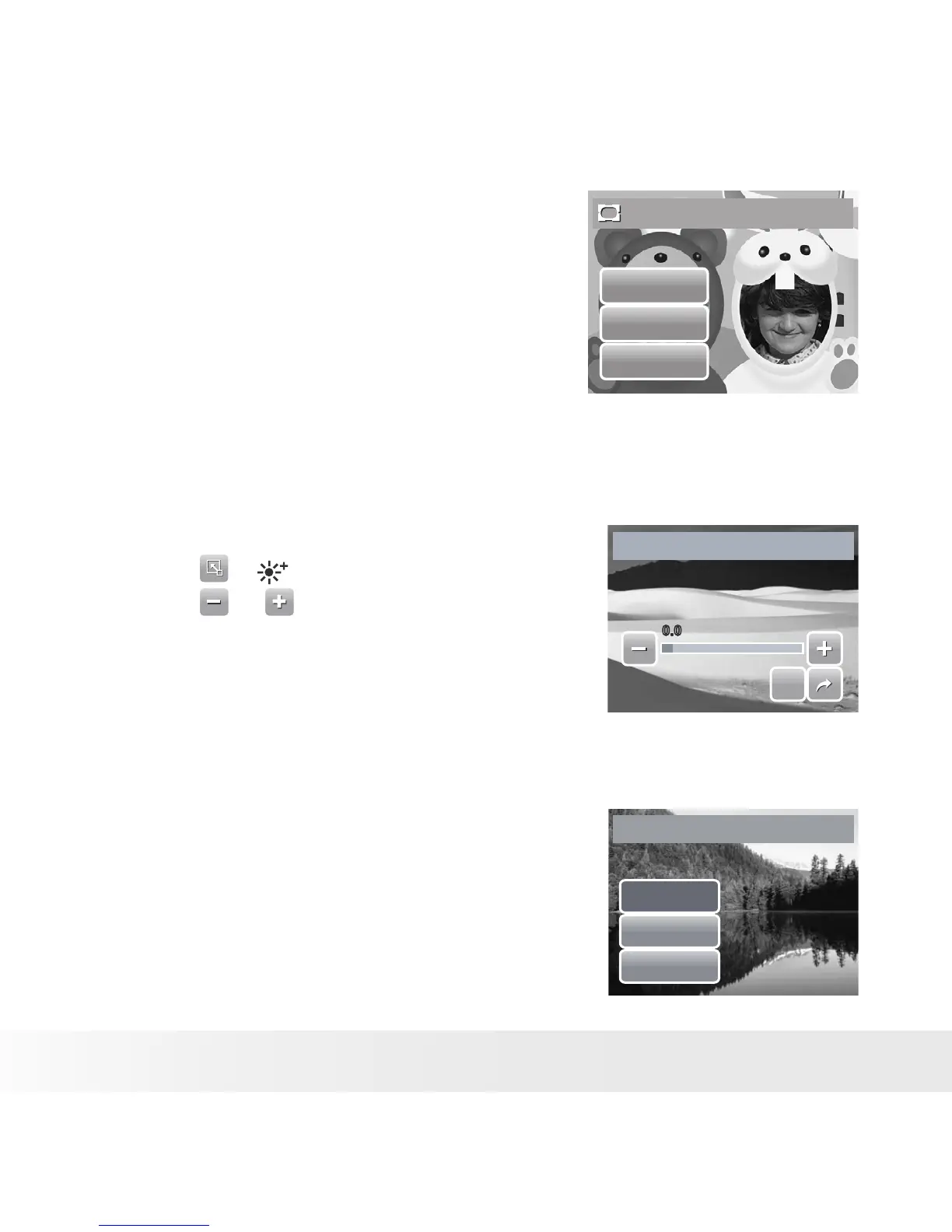
• Setting D-Lighting
The D-Lighting function allows you to manually adjust the exposure to
compensate for inadequate lighting conditions. This function is only applicable
for still images. The edited image can be saved as a new file.
SET
SET
0.00.0
D-Lighting
1. View the file to adjust lighting.
2. Touch > .
3. Touch or or the slider bar to increase/
decrease the value. As you adjust the settings,
the LCD screen synchronously displays the
image apply the new settings.
• Available settings are: 0.0, 1.0, 2.0, 3.0, and
4.0.
4. Touch SET to continue.
5. Select whether to:
• Yes. Save as another file.
• No. Discard changes.
• Overwrite. Save and apply changes to the
current file.
Save As
Yes
No
Overwrite?



 To Next Page
 Loading...








