• Off. Disable the startup image.
• System. Use camera default image.
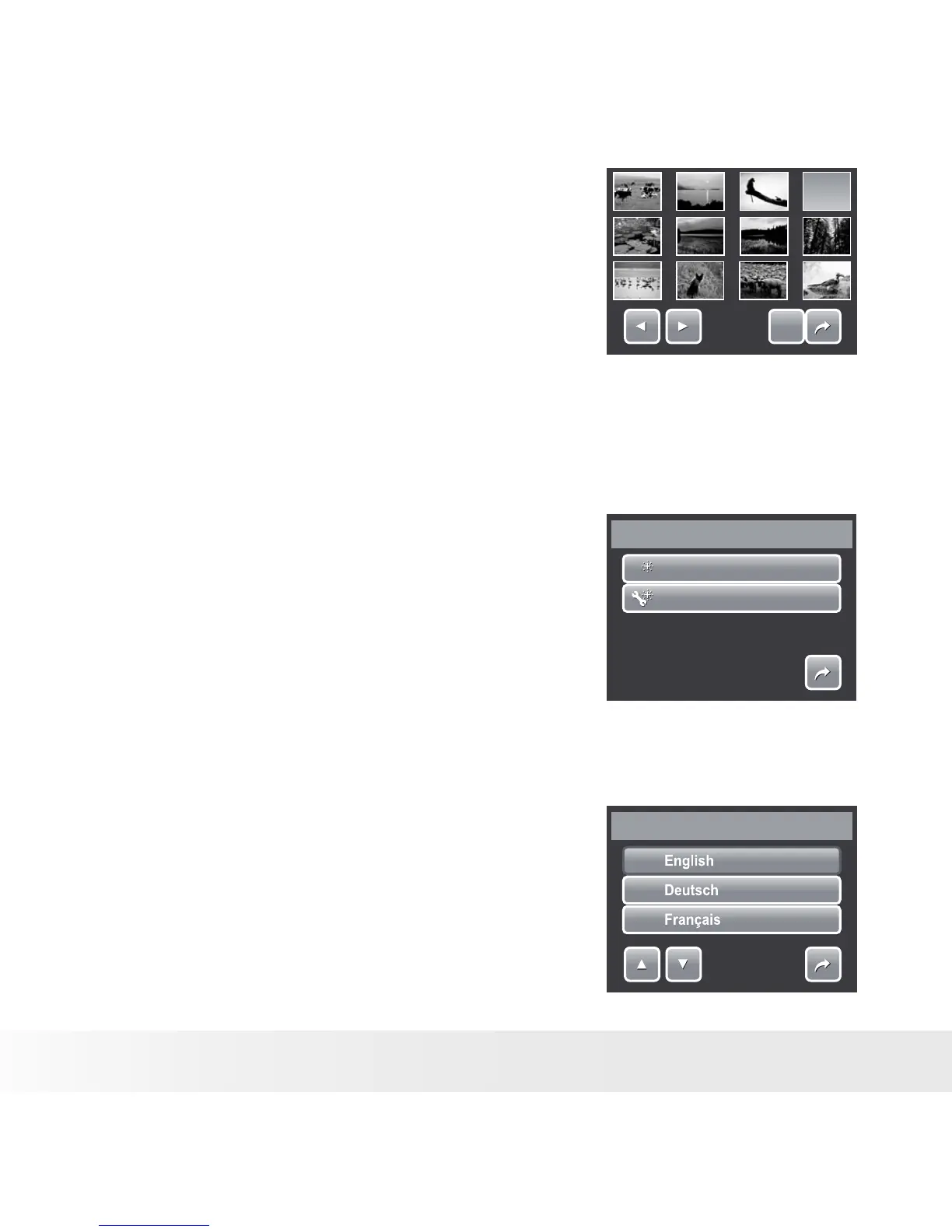
• My Photo. Select image from captured
images in memory card. Touch this option
to display thumbnails and select image.
SET
SET
Touch thumbnail, then touch
SET to select image and close
selection.
3. Touch SET to apply changes.
• Resetting
The Reset function is used to reset the camera to its initial default settings
and to reset file numbering when saving images/videos/voice recordings.
001
001
Reset File No.
Reset
Reset
1/1
To Reset
1. From the Setting menu, select Reset.
2. Touch option:
• Reset File No. Touch to reset file numbering.
To understand folder and file structure of
your camera, see “About Folder and File
Names” on page 90.
• Reset. Touch to reset camera to initial
default settings.
3. A confirmation message appears. Touch Yes
to reset. Touch No to exit submenu.
• Setting Language
The Language function allows you to choose the
language of the on screen display (OSD) menu.
1. From the Setting menu, touch Language.
2. Touch to apply desired language.
Language
1/7



 To Next Page
 Loading...








