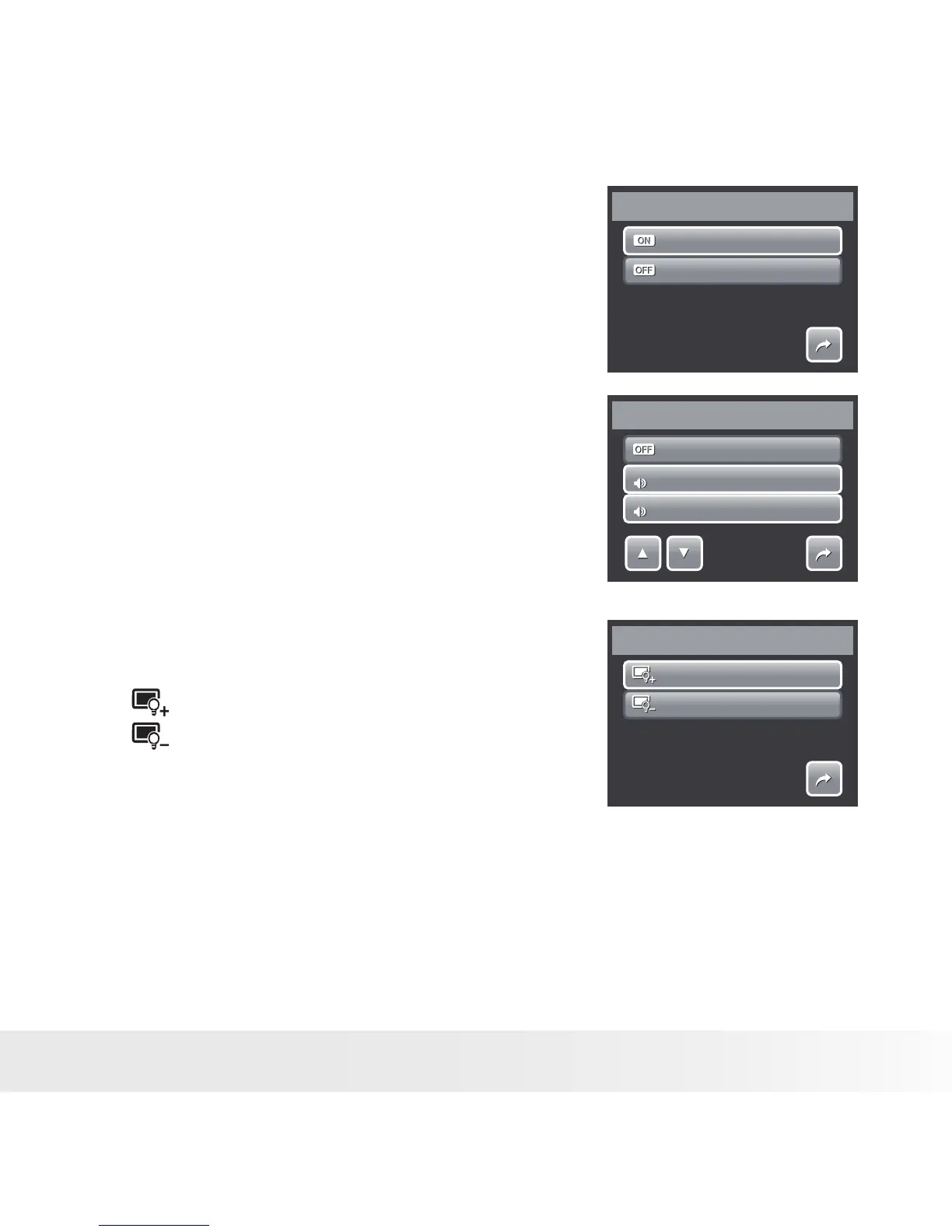
• Setting System Sound
Use the Sound menu function to enable/disable
sound when a button is pressed or touched.
Available settings are: On, Off.
1. From the Setting menu, select System
Sound.
2. Touch to apply desired settings.
On
Off
System Sound
1/1
• Setting Volume
Use the Volume function to control sound volume
produced by the camera. Available settings are:
Volume 0 (Off), Volume 1, Volume 2, Volume 3,
Volume 4, Volume 5.
1. From the Setting menu, select Volume.
2. Touch to apply desired settings.
Vo lume 0
Vo lume 1
Vo lume 2
Vo lume
1
1
2
2
1/2
• Setting LCD Brightness
Use the LCD Brightness function to control
the LCD brightness. Available settings are:
• Bright. Enhances LCD brightness.
• Normal. Normal LCD brightness.
Bright
Normal
LCD Brightness
1/1
• Setting Power Save
The Power Save function allows you to set an idle time after which the camera
automatically sets to sleep mode to save power. After a minute of being in
sleep mode, the camera eventually turns off power.



 To Next Page
 Loading...








