Snapshot Mode
10M
10M
ISO
AUTO
ISO
AUTO
AF
AF
A
A
1
1
7
6
3
2
5
4
1
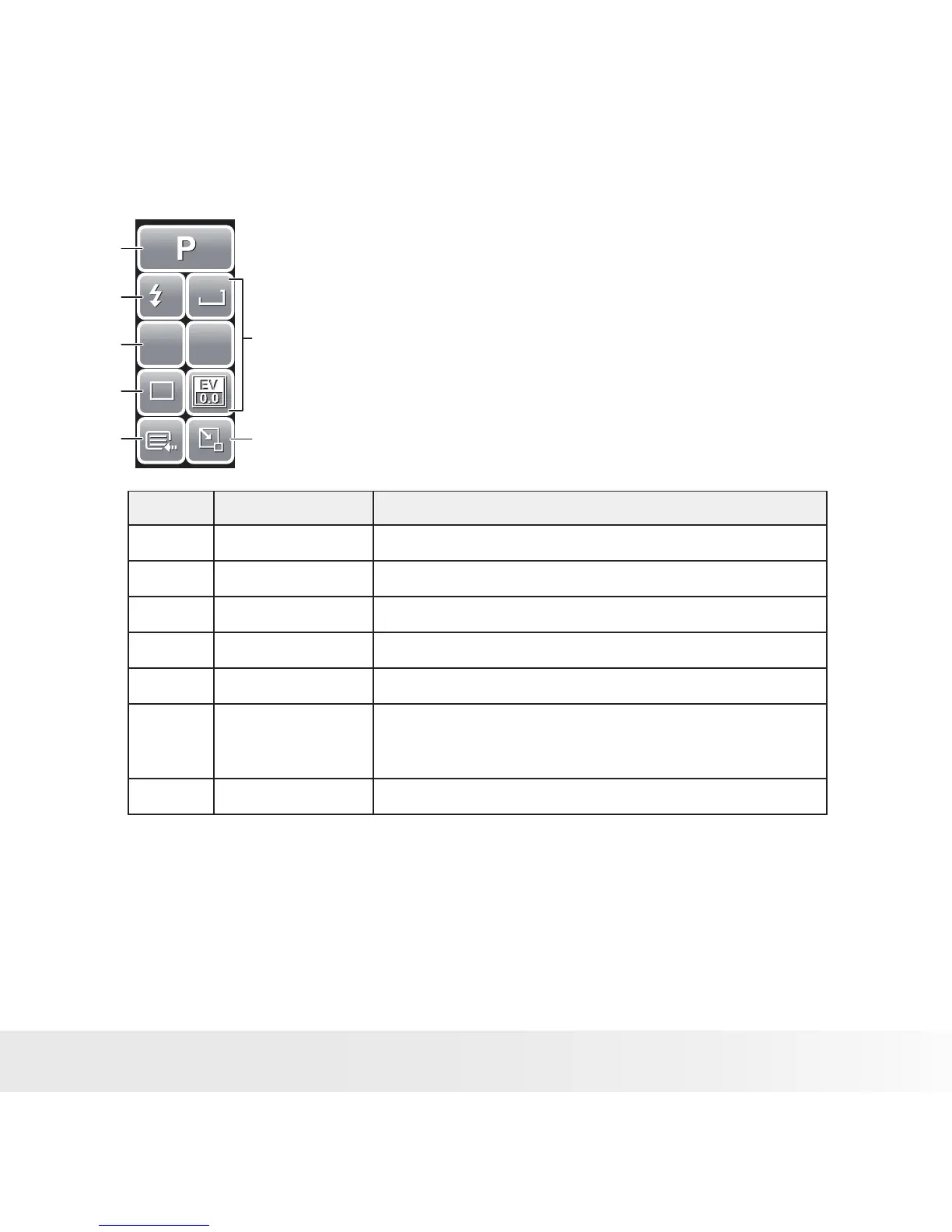
The Quick-Set Bar in Snapshot mode contains nine
menu options, three of which are user-defined.
Availability of some menu functions vary depending on
the scene mode selected.
Unavailable functions or functions with preset settings
appear as grayed out icons.
No. Menu Item Description
1 Scene Mode Touch to select scene mode.
2 Flash Touch to change flash settings.
3 Focus Mode Touch to change focus mode settings.
4 Drive Mode Touch to change drive mode settings.
5 Main Menu Touch to go to Snapshot and Settings Menu.
6 Hot Key Touch to change settings of selected function. The three
hot keys can be changed by the user. See “Setting Hot
Key” on page 81.
7 Close Touch to close Quick-Set Bar.



 To Next Page
 Loading...








