4. The zoom setting does not reset to wide angle after taking a picture. Use
the W button to return to the wide angle setting if you want to take a
normal size picture.
Optical zoom
Digital zoom
0.0EV0.0EV
32003200
307307
0.0EV0.0EV
32003200
307307
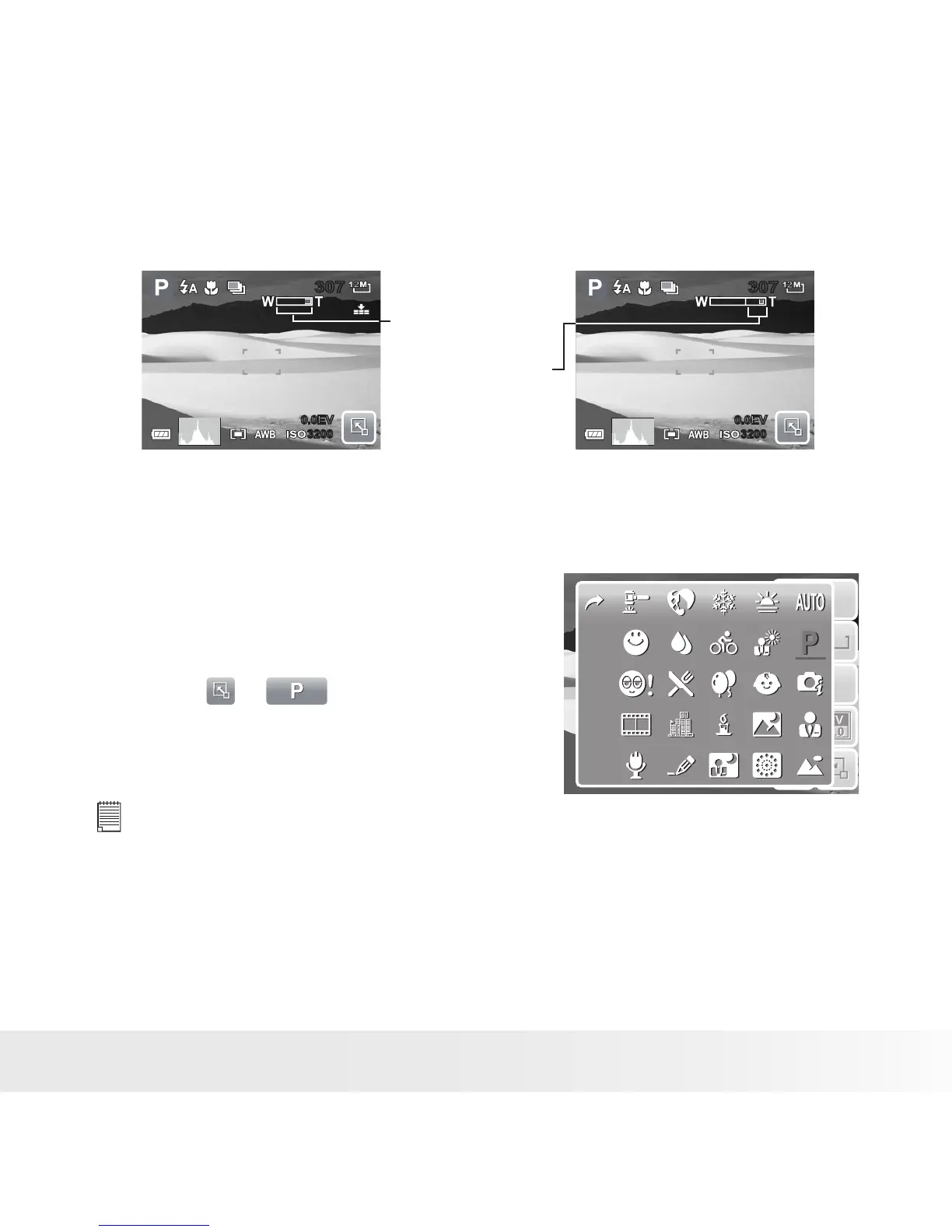
• Setting Scene Mode
Setting the Scene mode allows you to
capture your images with preset settings
according to the scene or environment.
1. Touch > to launch Scene
Mode submenu.
2. Touch to select a desired scene.
12M
ISO
AUTO
AF
A
1
12M
ISO
AUTO
AF
A
1
NOTE:
The Scene Mode icon may vary depending on the current settings.



 To Next Page
 Loading...








