• Setting DPOF
The Digital Print Order Format (DPOF) function allows you to mark still images
in your memory card for printing and allows you to specify the number of
copies that you want to print at a later date. When all images to be printed
are marked, take the memory card to a digital printing service, or use a DPOF
compatible printer.
To set DPOF on a single file
1. View image/video/voice recording you want
to set DPOF on the LCD screen.
2. Touch > .
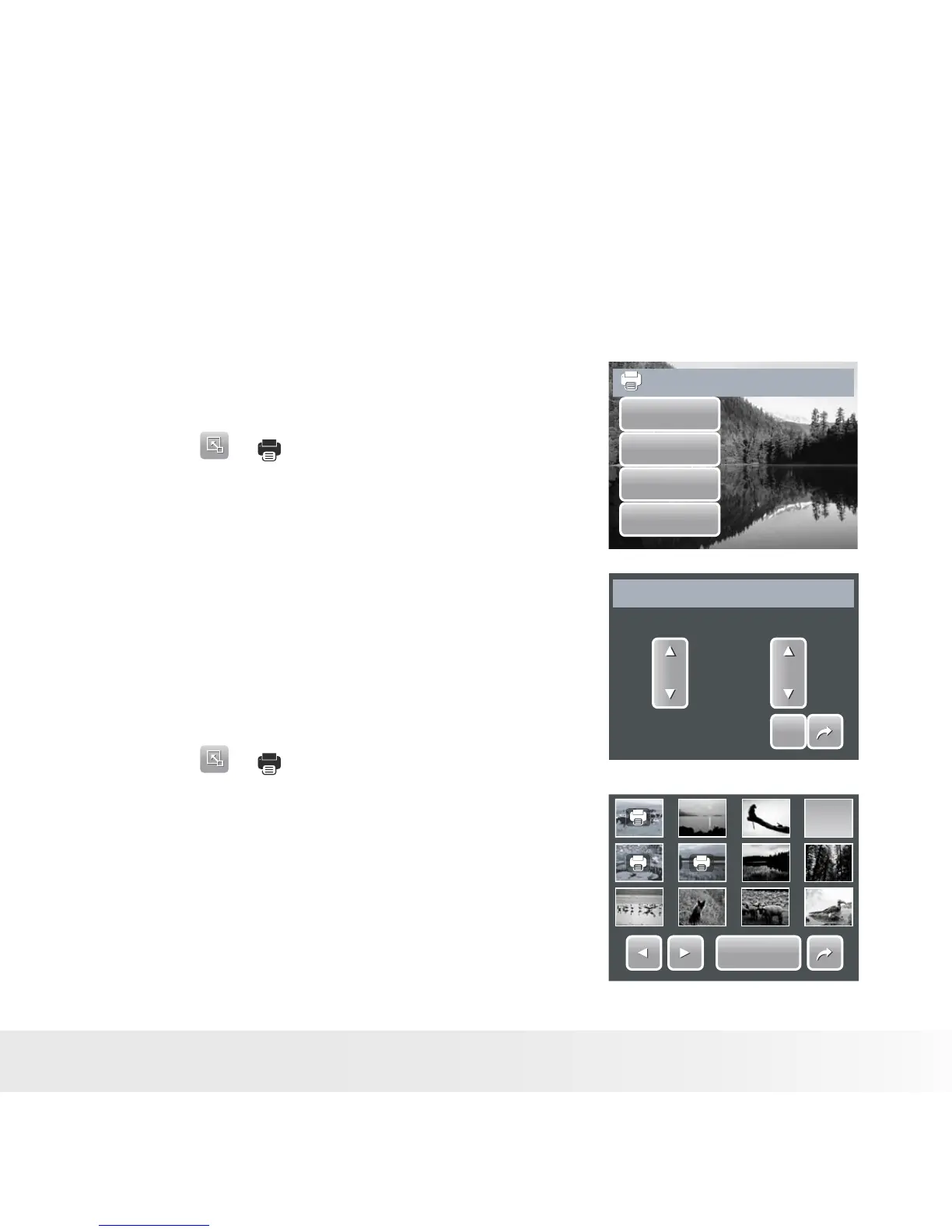
3. To set DPOF on currently viewed file, touch
Yes.
Set DPOF?
Yes
No
Select
All
4. Set the number of copies and date stamp
on/off. Touch the up/down keys to change
settings.
5. Touch SET to save settings.
SET
SET
Date
Yes
Copies
01
DPOF Setting
To set DPOF on multiple files
1. Touch > .
2. Touch Select. The LCD screen displays files
in thumbnail view.
3. Touch a thumbnail to mark file for printing.
The DPOF icon appears on the thumbnail.
4. Touch DPOF to continue.
DPOF
DPOF
5. Select Yes to confirm.



 To Next Page
 Loading...








