How to Set up the Room for a Telemedicine Event
Make sure that moderators and presenters are given prominent seats in the room
and that their positions are framed for the camera
Verify all presets for the meeting. For example,
Preset 1: Shot of the entire room
Presets 2-5: Shots of presenters/moderators
Presets 6-8: Shots of groups around the table
Preset 9: Privacy shot of ceiling or sight sign
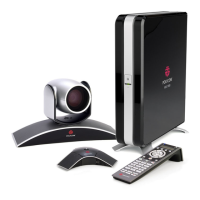
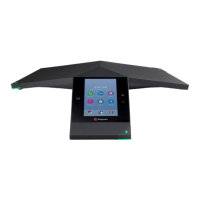
Place the microphone in the appropriate position – either under the monitor or at
one end of the boardroom table
Ensure that any windows are covered with blinds and are not framed in any of
the presets. Sunlight can cause glares and shadows that can affect the video
quality
Verify that any multimedia devices such as computers or projectors are readily
accessible to the presenters
Appoint a “director” that will be in charge of the remote control. Their sole job
during the videoconference will be to ensure that the proper person or graphic is
in on screen at the proper time
© OTN 2009





 To Next Page