User Guide for the Polycom
®
SoundStation
®
IP 5000 Phone
3
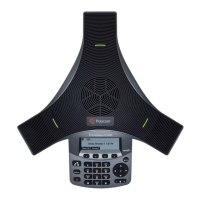
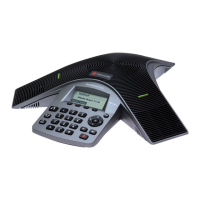
Display Screen
The idle screen displays the phone’s directory number and the current date
and time. The icon that displays to the left of the directory number indicates
the line or call status.
If you have messages, missed calls, or have enabled a certain feature, such as
call forwarding or Do Not Disturb, the idle screen displays a notification next
to the directory number. If you have more than one notification, the phone
displays a scrolling notification, as shown next.









 To Next Page