Quickstart Guide | Polycom VVX 1500 Series Quickstart Guide | Polycom VVX 1500 Series
1 10
Polycom VVX 1500 Series | Features Ringer Type & Volume
Ring Type:
To change the incoming ring to a desired sound:
• Press Menu
• Select Settings > Basic > Ring Type
• If your phone has multiple lines, tap the line in which you
want to update the ring tone
• Tap the ring type you want, and then tap the Select soft key
Adjust the Volume:
To change the handset, speakerphone or headset volume:
• During a call, press or
To change the ringer volume:
• When the phone is idle, press or
1
2
3
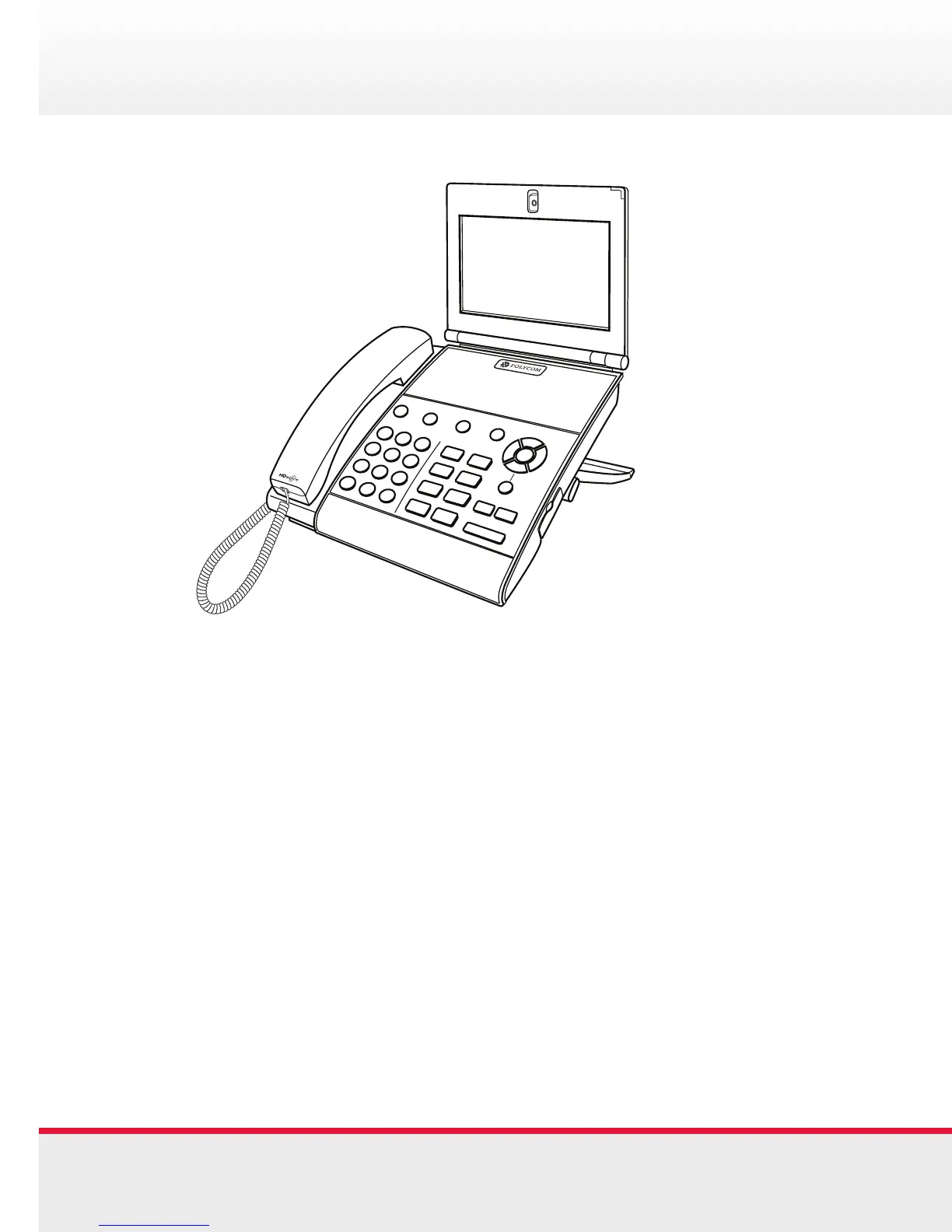
1. Speed Dial Presence
2. Navigation Keys
3. USB Port
4. Telephony Keys
5. Application Keys
6. Adjustable Screen Angle
7. Touch Screen
8. Tiltable Camera
4
5
6
7
8













 To Next Page