First Time Login to Mailbox
To log in to your mailbox for the first time:
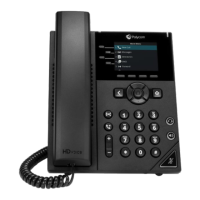
From the Home view select Messages and select Message Center or press
the Messages button and select Message Center
Immediately upon hearing the recording press the “*” key on the dial pad
Enter your default password (last 4 digits of y our phone number or your
extension if different) followed by the “#” sign
Change the default pass code to a new PIN (4-8 digits)
Record your name
Record a personal greeting
















 To Next Page