Quick Guide Content
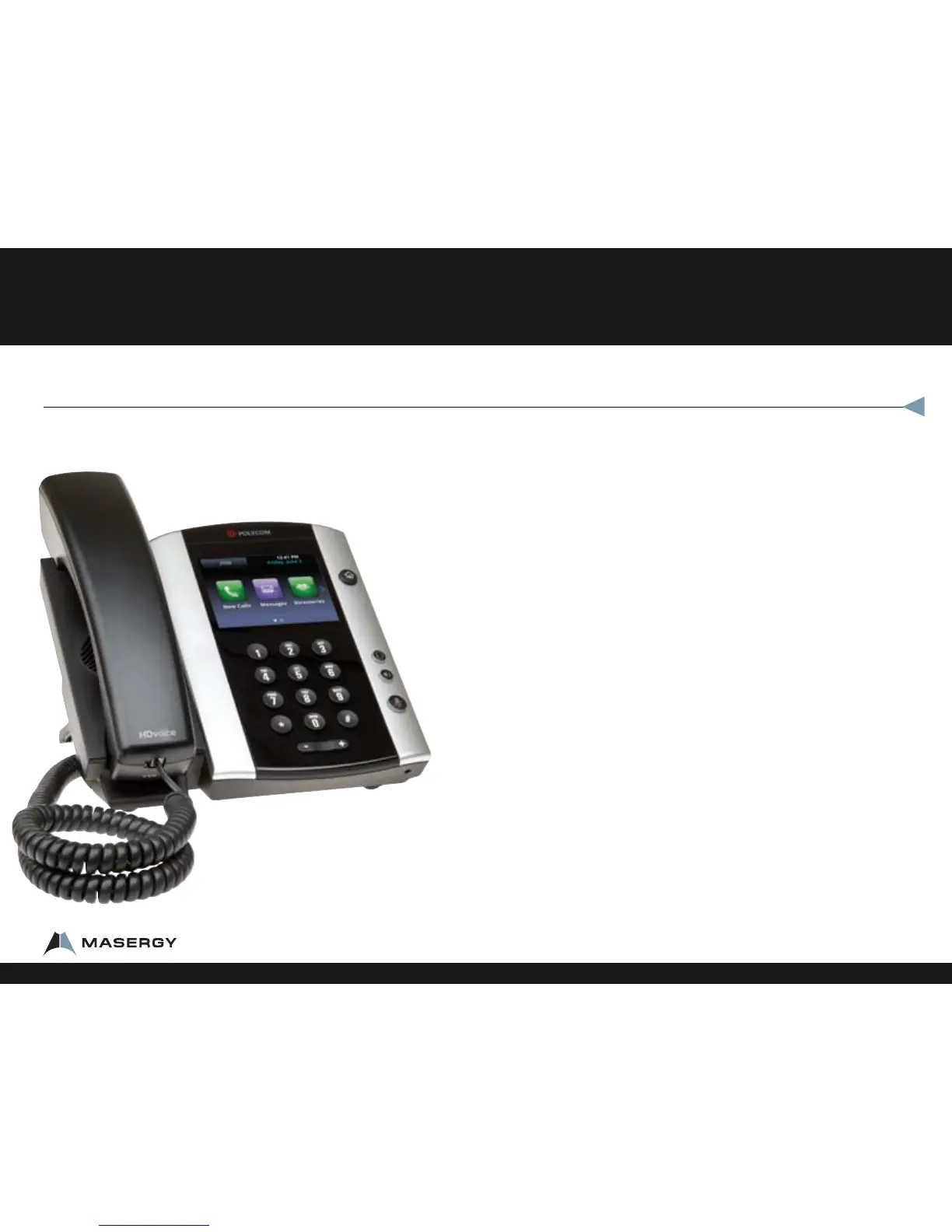
Polycom® VVX® 500 Performance Business Media Phone
Polycom® VVX® 500 Performance Business Media Phone Button
Diagram ............................................................................................... 3
Features ............................................................................................... 4
About the Touchscreen ......................................................................................................4
Phone Views ............................................................................................................................4
Home View .............................................................................................................................. 4
Lines View ................................................................................................................................4
Calls View.................................................................................................................................. 5
Active Call View ...................................................................................................................... 5
Entering Data .......................................................................................................................... 5
About Calls ...............................................................................................................................5
Placing Calls ............................................................................................................................. 5
Call Park ....................................................................................................................................6
Park Pickup ..............................................................................................................................6
Additional Onscreen Options ...........................................................................................6
Dialpad ...................................................................................................................................... 6
Recent ........................................................................................................................................6
Directory ................................................................................................................................... 6
Favorites .................................................................................................................................... 7
Phone Top Features .............................................................................7
Adjusting the Volume on the phone ............................................................................ 7
Changing the Ring Type ..................................................................................................... 7
Missed Calls Clearing Alert ................................................................................................ 7
Phone Reboot......................................................................................................................... 7
1-800-942-4700 masergy.com

















 To Next Page