8 - 2
Show Data Format
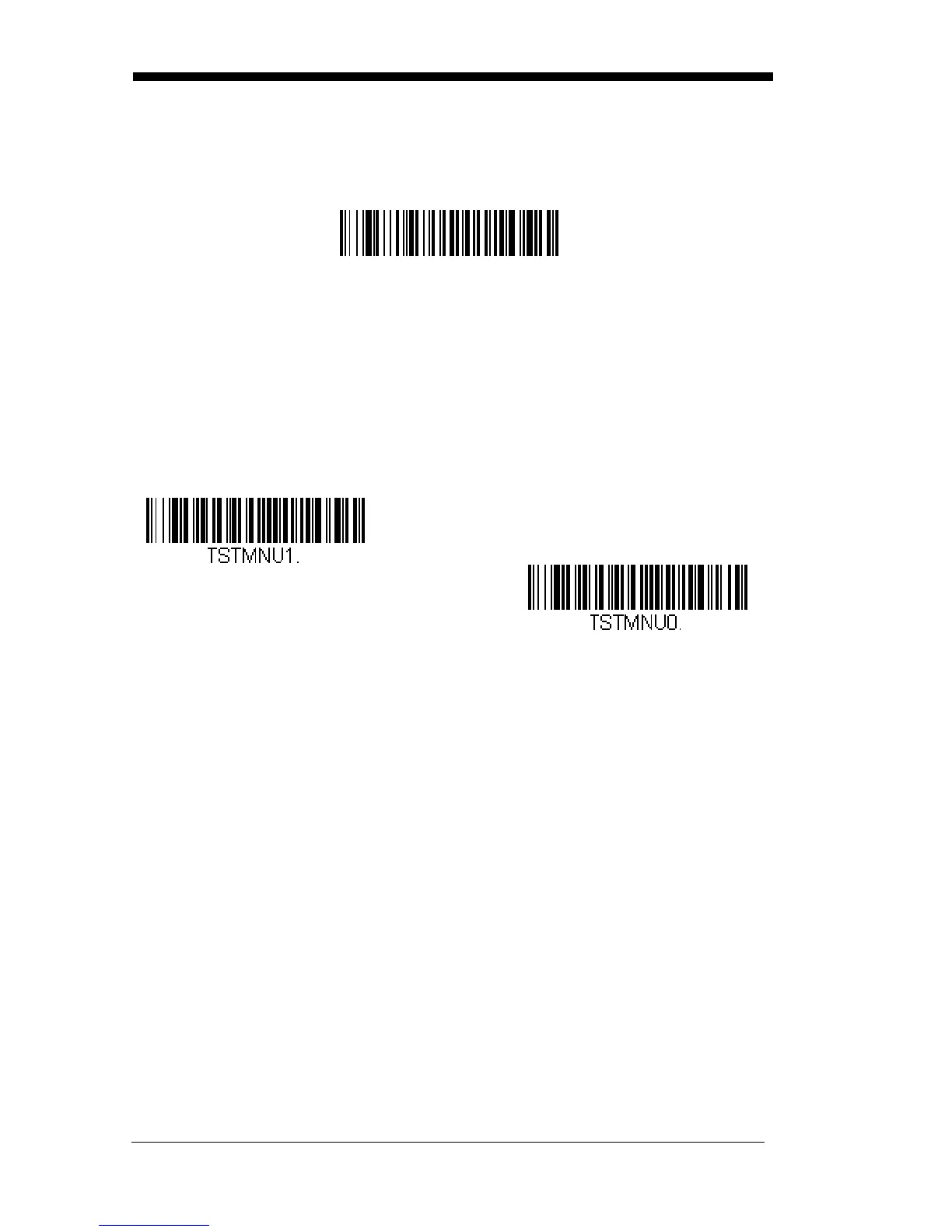
Scan the bar code below to show current data format settings.
Test Menu
When you scan the Test Menu On code, then scan a programming code in this
manual, the scanner displays the content of a programming code. The pro-
gramming function will still occur, but in addition, the content of that program-
ming code is output to the terminal.
Note: This feature should not be used during normal scanner operation.
Data Format Settings
DFMBK3?.



 To Next Page