3 - 3
Beeper Pitch – Good Read
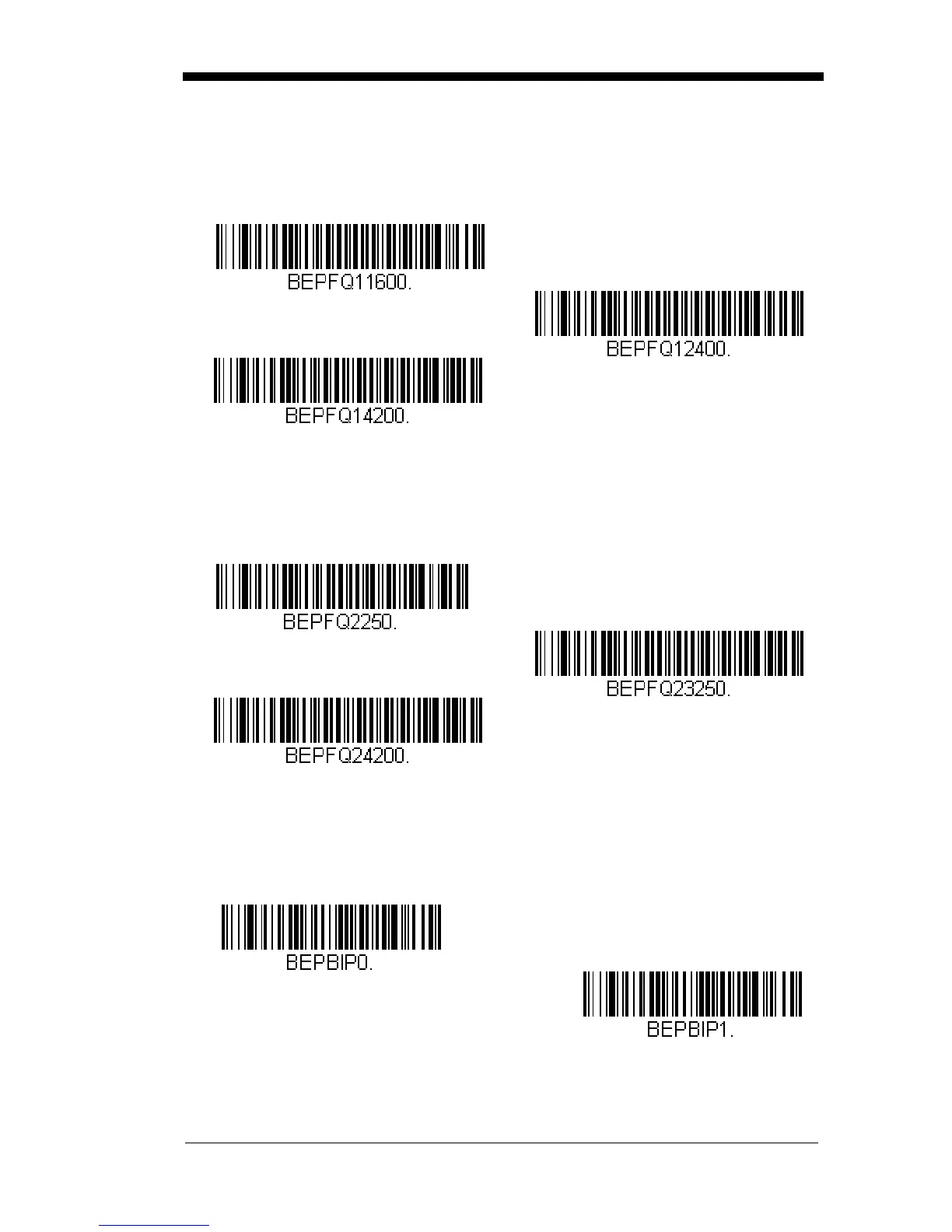
The beeper pitch codes modify the pitch (frequency) of the beep the scan-
ner emits on a good read.
Default = Medium.
Beeper Pitch – Error
The beeper pitch codes modify the pitch (frequency) of the sound the scan-
ner emits when there is a bad read or error.
Default = Razz.
Beeper Duration – Good Read
The beeper duration codes modify the length of the beep the scanner emits
on a good read.
Default = Normal.
Low (1600 Hz)
* Medium (2400 Hz)
High (4200 Hz)
* Razz (250 Hz)
Medium (3250 Hz)
High (4200 Hz)
* Normal Beep
Short BeepShort Beep



 To Next Page