6 - 24
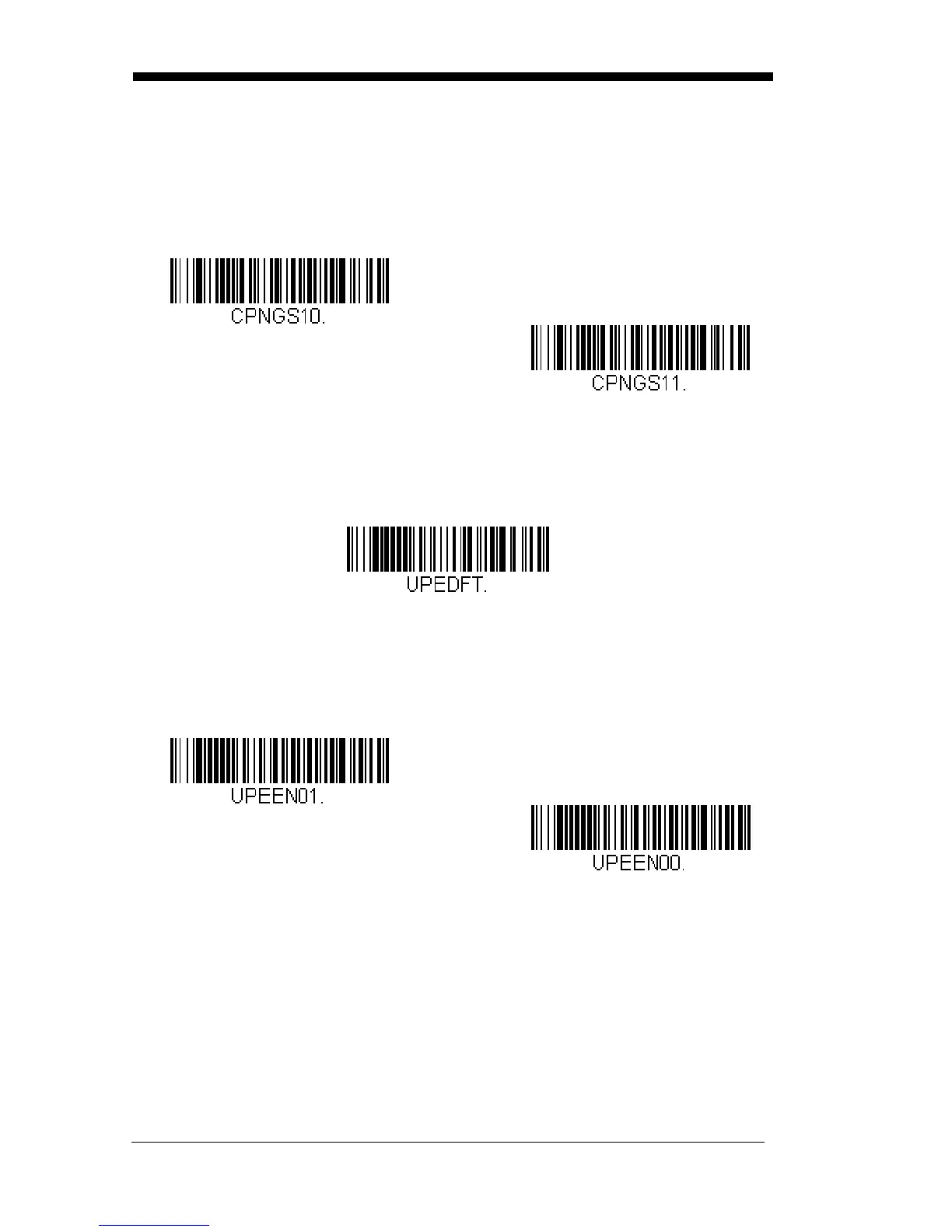
Coupon GS1 DataBar Output
If you scan coupons that have both UPC and GS1 DataBar codes, you may
wish to scan and output only the data from the GS1 DataBar code. Scan the
GS1 Output On code below to scan and output only the GS1 DataBar code
data.
Default = GS1 Output Off.
UPC-E0
<Default All UPC-E Settings>
UPC-E0 On/Off
Most U.P.C. bar codes lead with the 0 number system. To read these
codes, use the UPC-E0 On selection. If you need to read codes that lead
with the 1 number system, use UPC-E1 (page 6-27).
Default = On.
* GS1 Output Off
GS1 Output On



 To Next Page