1 - 2
3. Verify the scanner operation by scanning a bar code from the Sample
Symbols in the back of this manual.
The unit defaults to a USB PC Keyboard. Refer to page 2-2 for other USB
terminal settings.
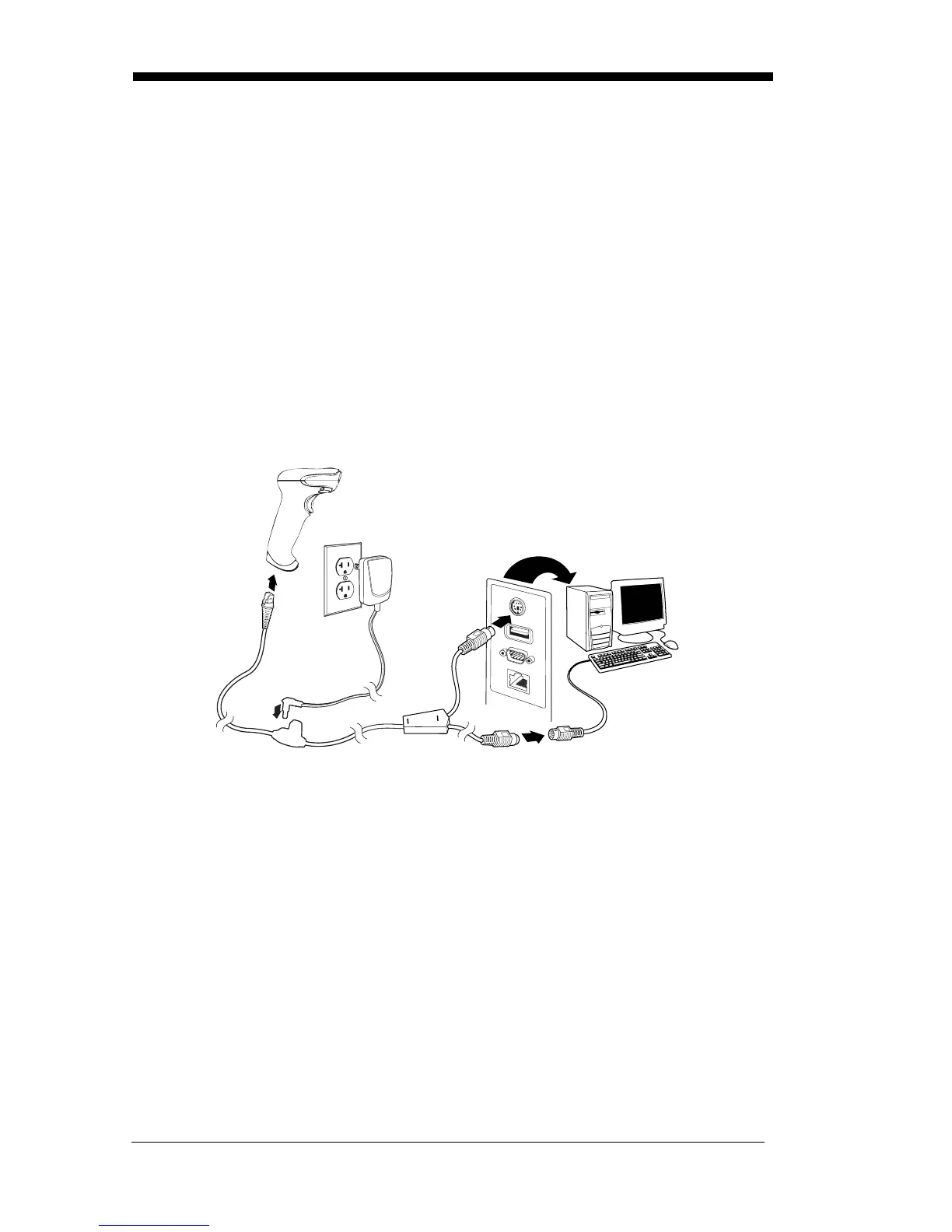
Connecting with Keyboard Wedge
A scanner can be connected between the keyboard and PC as a “keyboard
wedge,” where the scanner provides data output that is similar to keyboard
entries. The following is an example of a keyboard wedge connection:
1. Turn off power and disconnect the keyboard cable from the back of the
terminal/computer.
2. Connect the appropriate interface cable to the device and to the
terminal/computer.
3. Turn the terminal/computer power back on. The scanner beeps.
4. Verify the scanner operation by scanning a bar code from the Sample
Symbols in the back of this manual. The scanner beeps once.
The unit defaults to an IBM PC AT and compatibles keyboard wedge inter-
face with a USA keyboard. A carriage return (CR) suffix is added to bar
code data.



 To Next Page