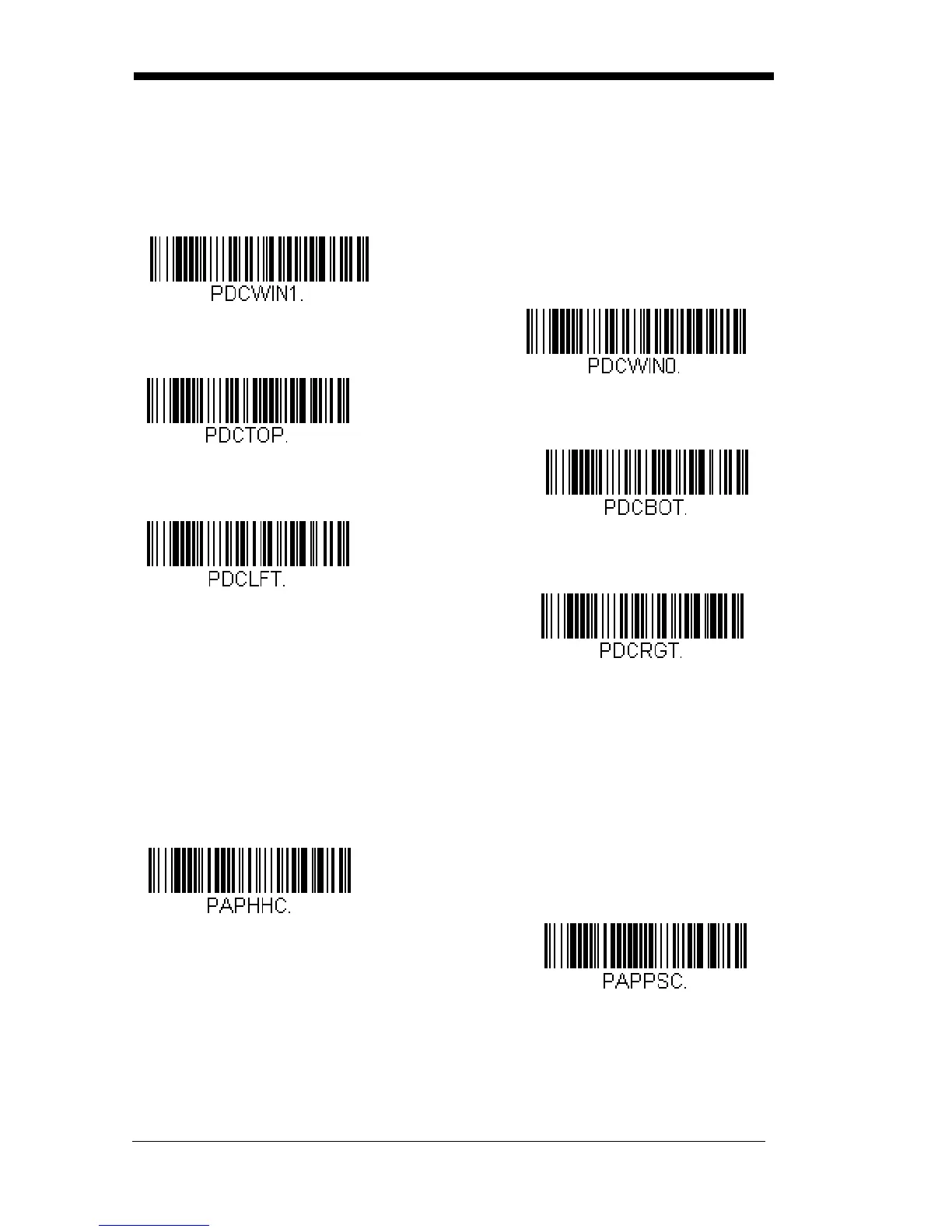
Scan Presentation Centering On, then scan one of the following bar codes to
change the top, bottom, left, or right of the centering window. Then scan the
percent you want to shift the centering window using digits on the inside back
cover of this manual. Scan Save.
Default Presentation Centering = 40% for
Top and Left, 60% for Bottom and Right.
Mobile Phone Read Mode
When this mode is selected, your scanner is optimized to read bar codes from
mobile phone or other LED displays. However, the speed of scanning printed
bar codes may be slightly lower when this mode is enabled.
Note: To turn off Mobile Phone Read Mode, scan the Manual Trigger Mode bar
code (see page 3-5).
Left of
Presentation Centering
Window
Top of Presentation Centering
Window
Right of Presentation
Window
Bottom of Presentation
Centering Window
* Presentation Centering Off
Presentation Centering On
Hand Held Scanning - Mobile
Phone
Presentation Scanning -
Mobile Phone



 To Next Page