3 - 5
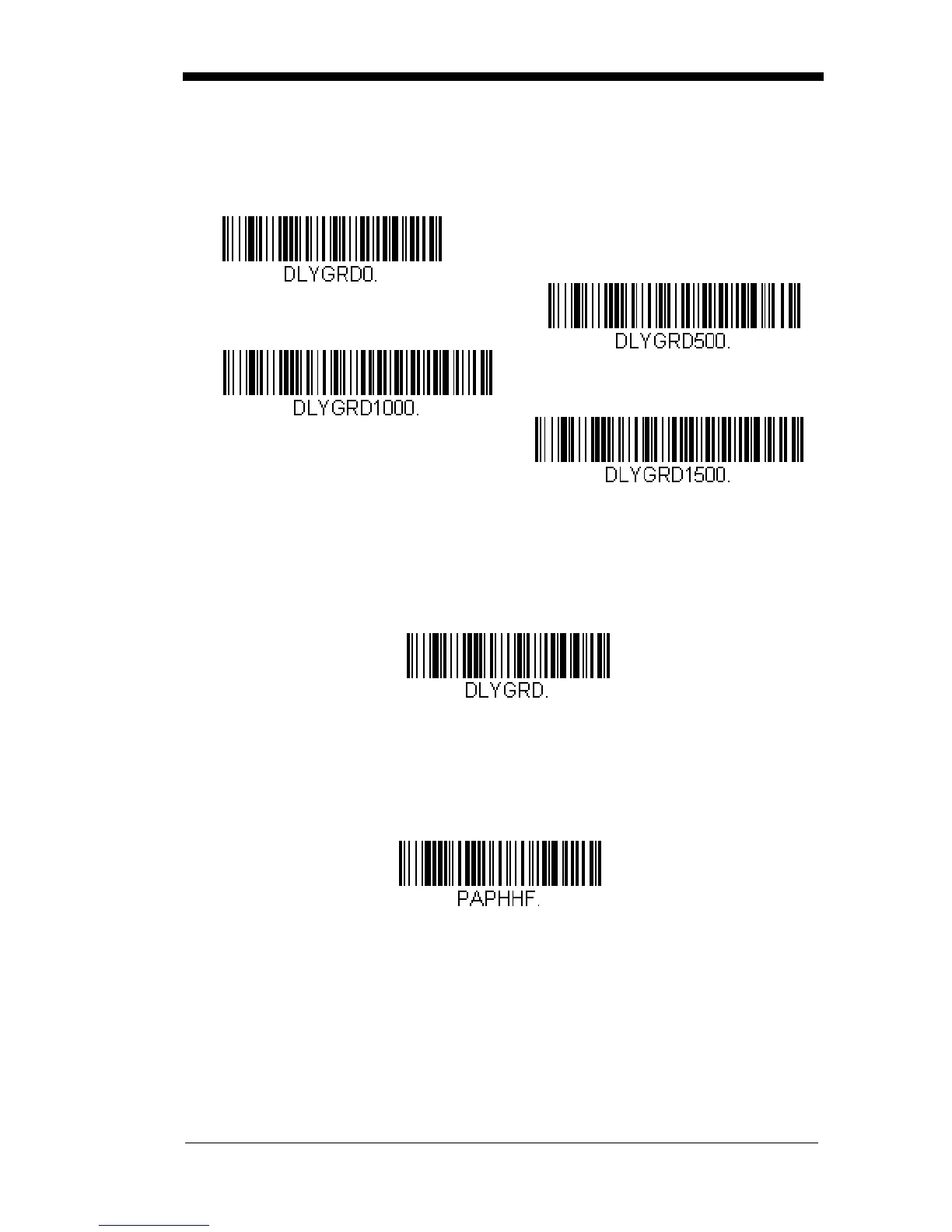
Good Read Delay
This sets the minimum amount of time before the scanner can read another
bar code.
Default = 0 ms (No Delay).
User-Specified Good Read Delay
If you want to set your own length for the good read delay, scan the bar
code below, then set the delay (from 0-30,000 milliseconds) by scanning
digits from the inside back cover, then scanning Save.
Manual Trigger Mode
When in manual trigger mode, the scanner scans until a bar code is read, or
until the button is released.
Default = Manual Trigger-Normal.
* No Delay
Short Delay (500 ms)
Medium Delay (1,000 ms)
Long Delay (1,500 ms)
User-Specified Good Read Delay
* Manual Trigger - Normal



 To Next Page