3 - 12
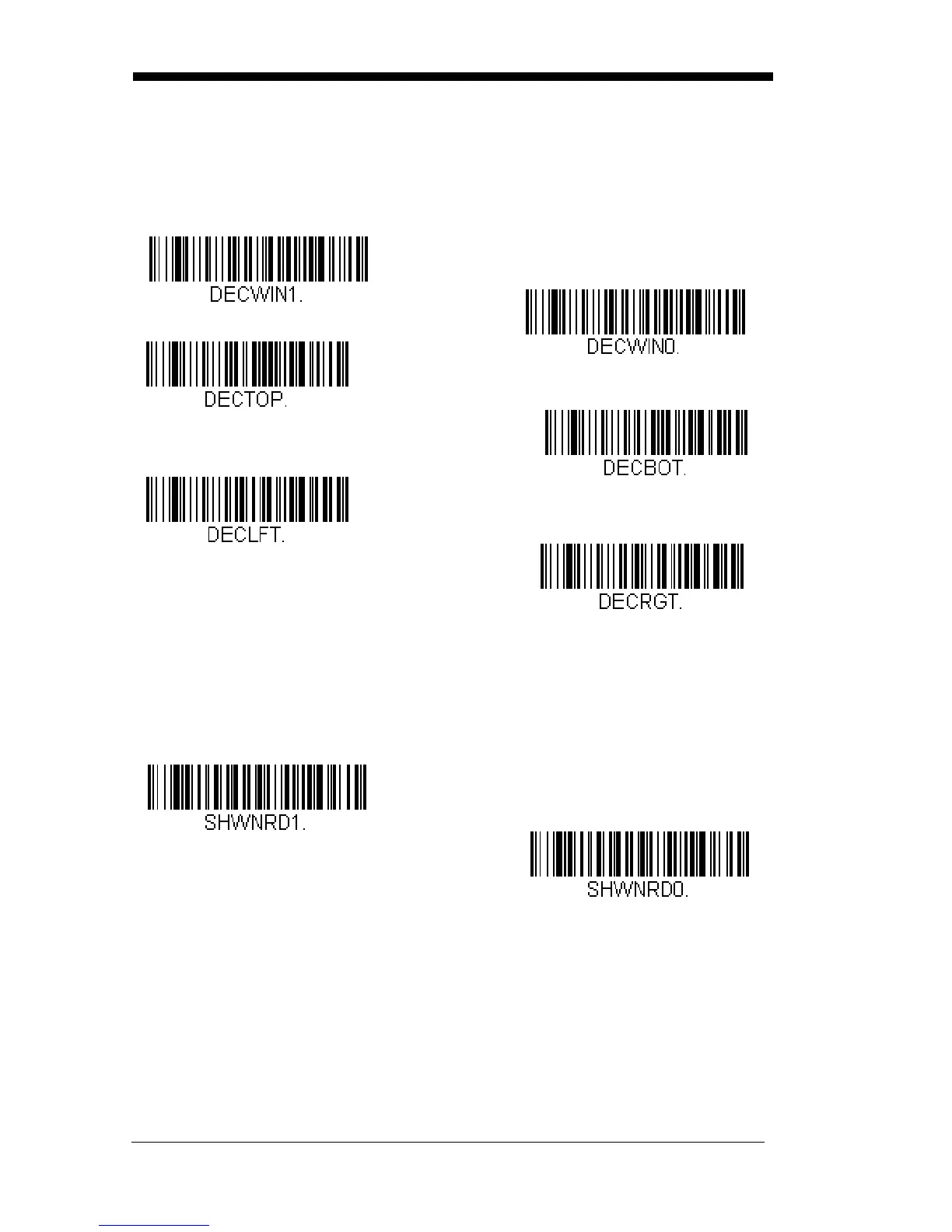
Scan Centering On, then scan one of the following bar codes to change the
top, bottom, left, or right of the centering window. Then scan the percent you
want to shift the centering window using digits on the inside back cover of this
manual. Scan Save.
Default Centering = 40% for Top and Left, 60% for Bot-
tom and Right.
No Read
With No Read turned On, the scanner notifies you if a code cannot be read.
Default = Off.
If you want a different notation than “NR,” for example, “Error,” or “Bad Code,”
you can edit the output message (see Data Formatting beginning on page 5-1).
The hex code for the No Read symbol is 9C.
Left of Centering Window
Top of Centering Window
Right of Centering Window
Bottom of Centering Window
* Centering Off
Centering On



 To Next Page