3 - 11
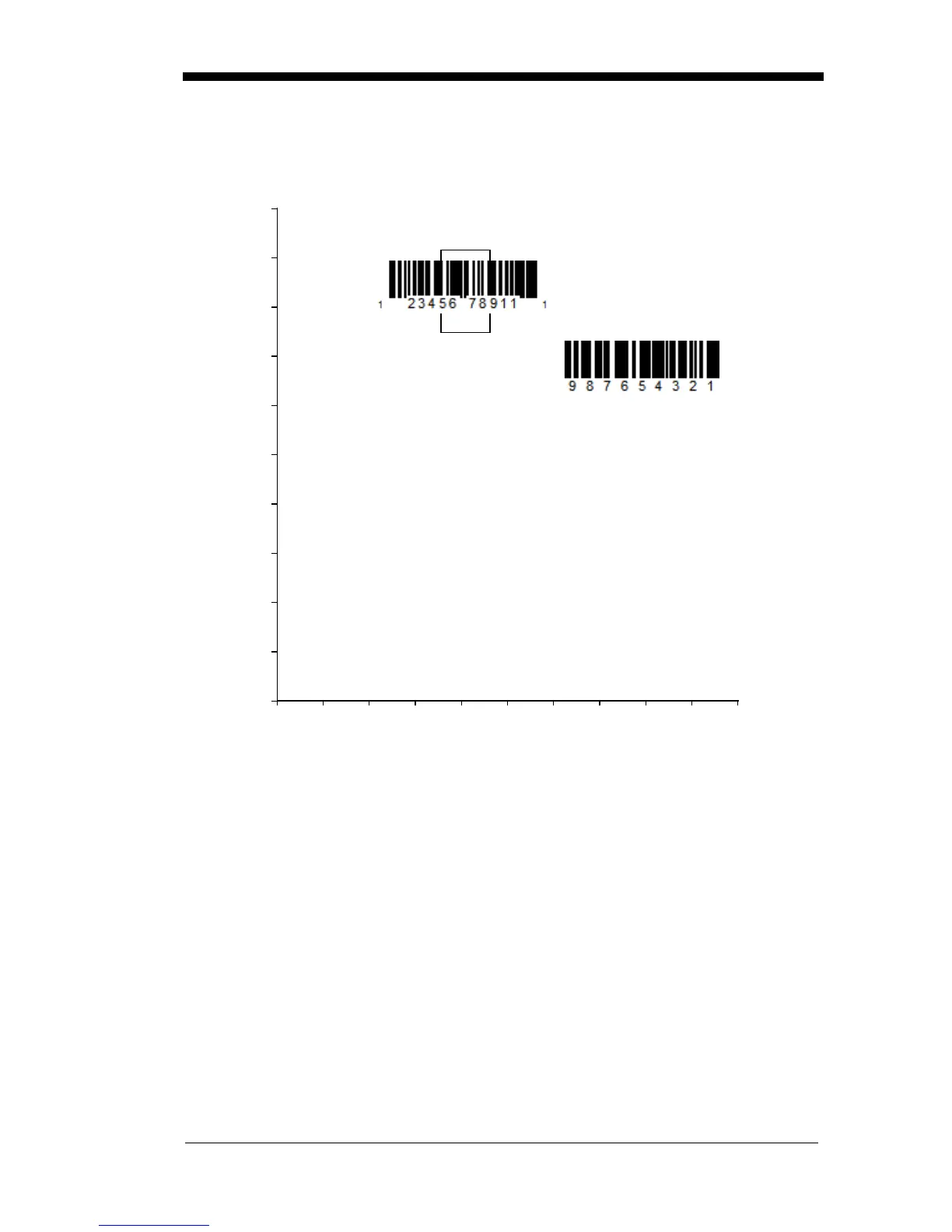
In the example below, the white box is the centering window. The centering win-
dow has been set to 20% left, 30% right, 8% top, and 25% bottom. Since Bar
Code 1 passes through the centering window, it will be read. Bar Code 2 does
not pass through the centering window, so it will not be read.
Note: A bar code needs only to be touched by the centering window in order to
be read. It does not need to pass completely through the centering
window.
0
Bar Code 1
Bar Code 2
10 20 30 40 50 60 70 80 90 100%
100
90
80
70
60
50
40
30
20
10
0%



 To Next Page