6 - 22
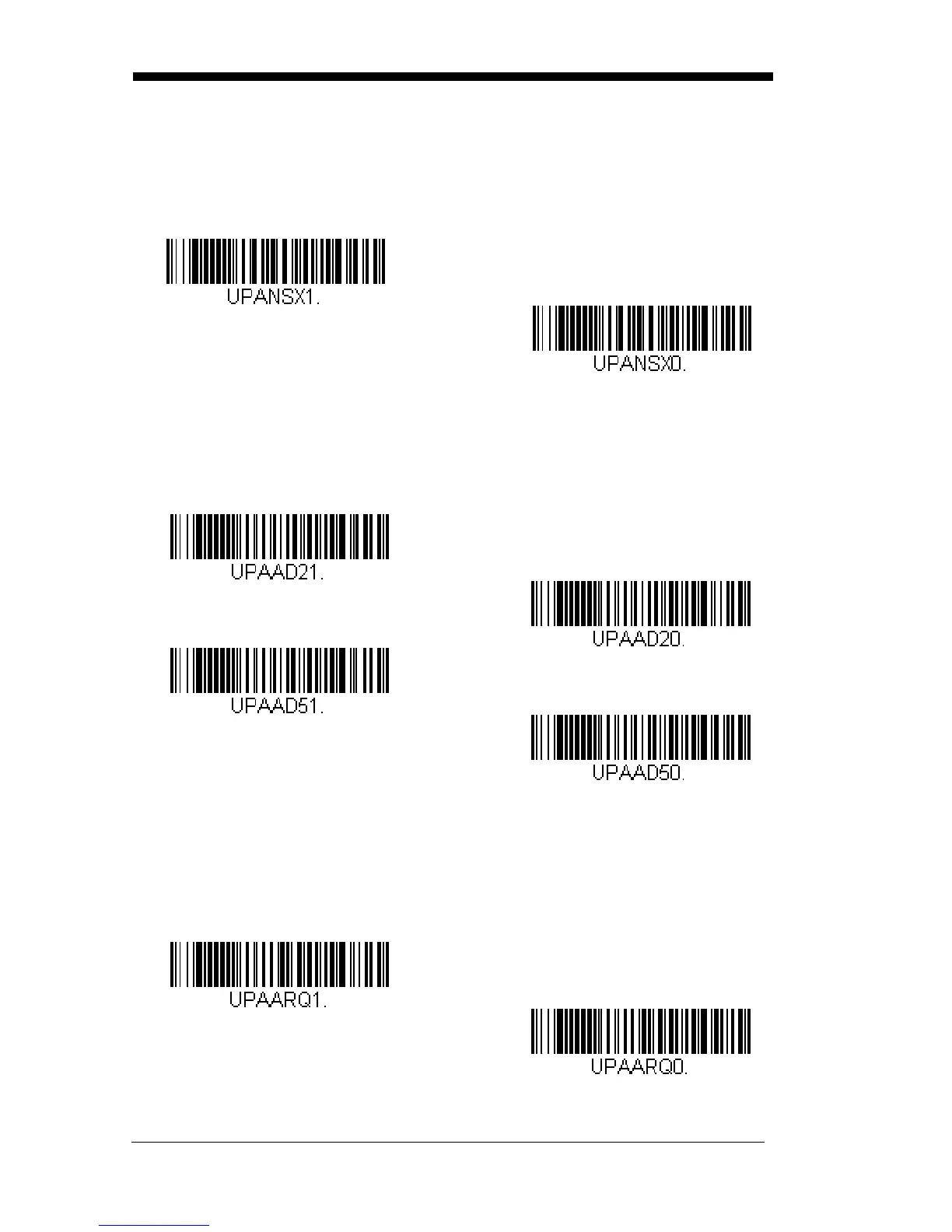
UPC-A Number System
The numeric system digit of a U.P.C. symbol is normally transmitted at the
beginning of the scanned data, but the unit can be programmed so it will
not transmit it.
Default = On.
UPC-A Addenda
This selection adds 2 or 5 digits to the end of all scanned UPC-A data.
Default = Off for both 2 Digit and 5 Digit Addenda.
UPC-A Addenda Required
When
Required
is scanned, the scanner will only read UPC-A bar codes
that have addenda. You must then turn on a 2 or 5 digit addenda listed on
page 6-22.
Default = Not Required.
* 5 Digit Addenda Off
5 Digit Addenda On
* 2 Digit Addenda Off
2 Digit Addenda On



 To Next Page