PRK-5000 Operation Manual
- 30 -
6.4.3 Customize Measuring Modes
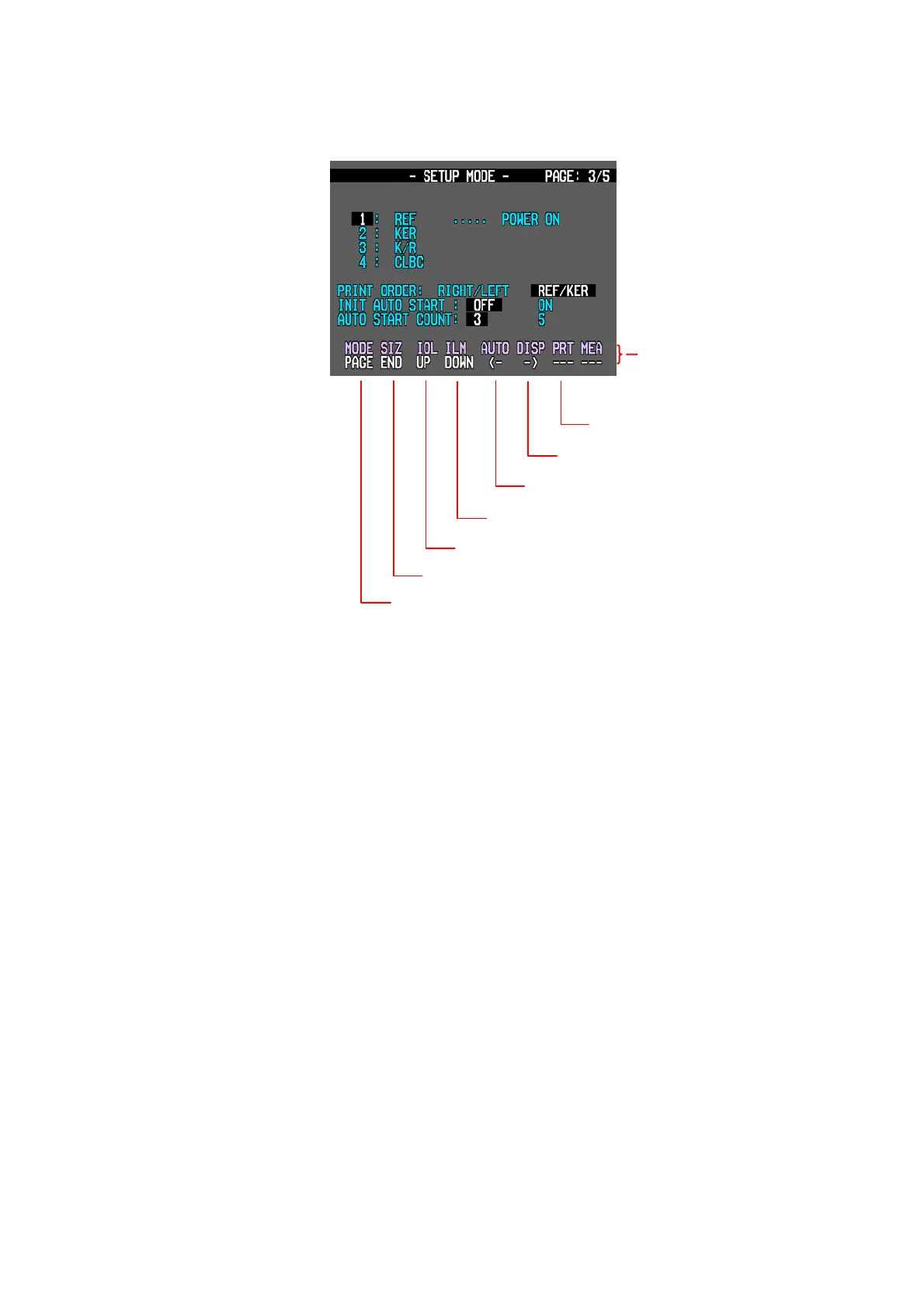
[How to Change the Page]
Press MODE button to move the next page.
[How to Change the Item]
Pressing IOL button yields the selection of the upper items. And pressing ILLUM button
yields the selection of the lower items.
[How to Change the Contents]
If you press AUTO or DISPLAY button, contents will be changed.
The selected content will be shown in reversed characters.
[How to Enter the Measurement Mode]
Press the SIZE button to quit the SETUP mode and enter the Measurement mode.
To changed the contents
To changed the contents
To changed the item
To changed the item
To quit and return to the measurement mode
To the next page
There is no function
Upper row : name of button
Lower row : function
(“---” mark means no function)



 To Next Page