8
© All rights reserved. All trademarks are property of their respective owners.
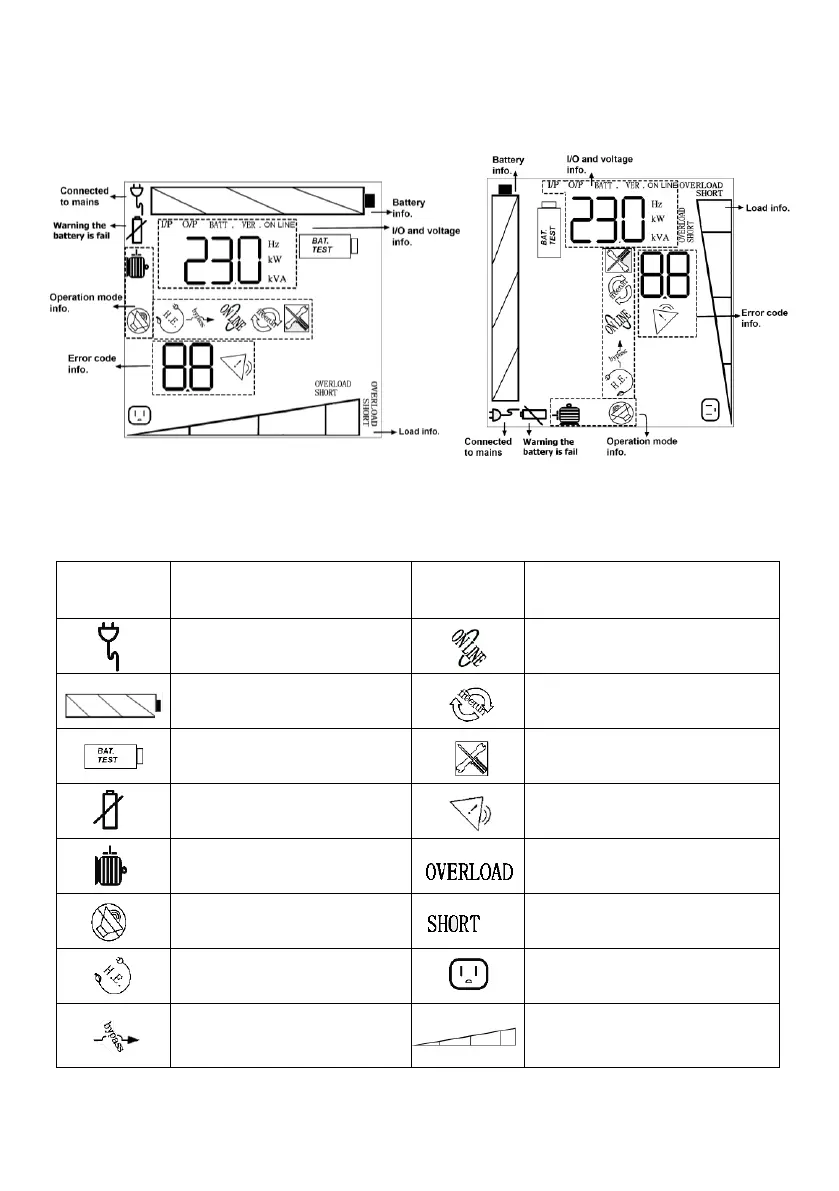
6.3 LCD panel overview
Operation of the UPS is indicated on the monitor panel with a LCD screen. This display is also
capable of alerting the user with audible alarms. Status of the UPS, measurements and alarms are
all indicated on the LCD screen.
Rack Display Tower Display
Fig.6 LCD display
Battery Remaining 0-24%,
25-49%, 50-74%, 75-100%
Manual Bypass Mode
(MAINTENANCE ONLY)
Load level by 0-24%,
25-49%, 50-74%, 75-100%



 To Next Page