11
© All rights reserved. All trademarks are property of their respective owners.
6.6 UPS configurations
Notice!! The factory default settings do not necessarily have to be changed, although you are
free to tailor the UPS as your specific needs.
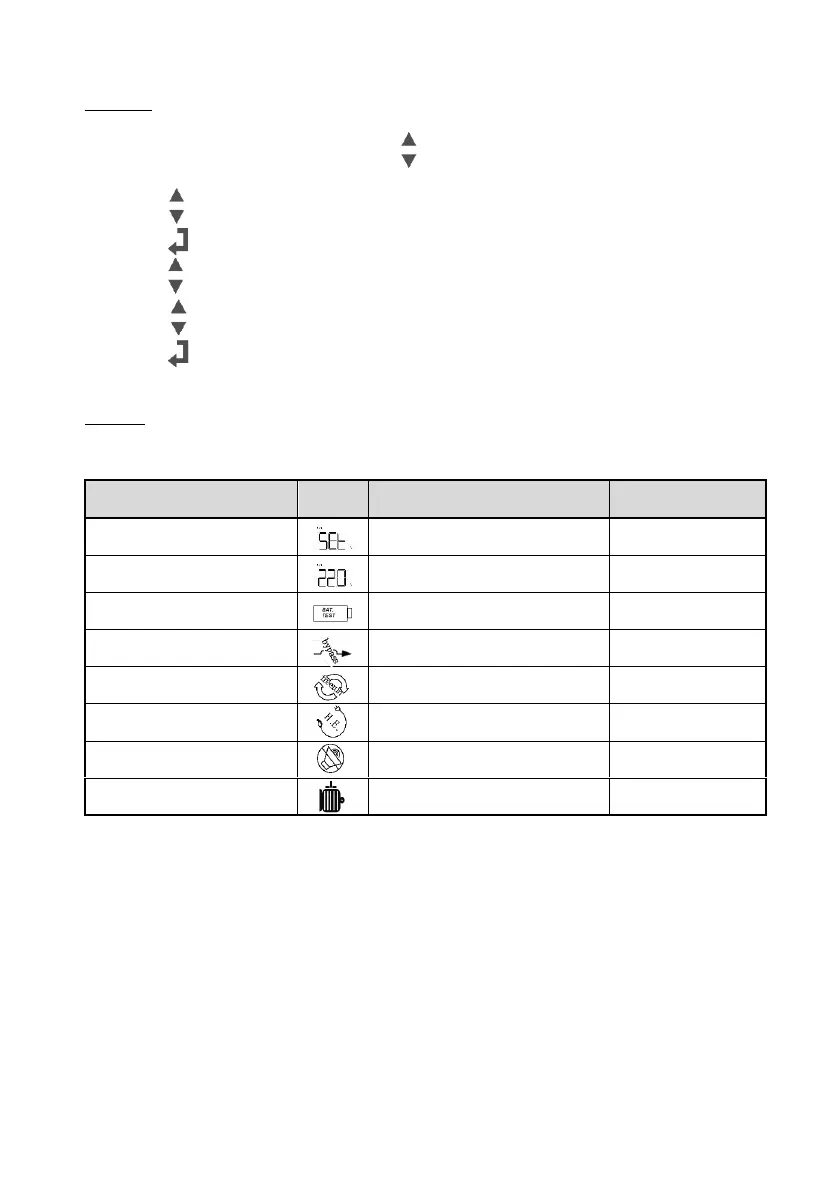
To enter the configuration mode, release “ ” button after holding it for 1 second;
The first configuration will be shown on the LCD display.
Press the “ ” button to switch through the parameters;
Press the “ ” button to select the parameter;
Press the “ ” button to switch through the options for the selected parameter;
Press the “ ” button to select yes/no to confirm;
Press the “ ” button to enable your selection, your selection will start automatically.
If UPS is idle over 10 seconds, the display will return to main status.
Notice!! Manual Bypass should always set to OFF for UPS and power management software to
operate normally. This is aimed for operating an external maintenance bypass switch.



 To Next Page