10
© All rights reserved. All trademarks are property of their respective owners.
Start up the UPS
Notice!! Start up the UPS with AC power at the first time to unlock the factory DC lock setting.
• Make sure the installation is correct and the input power cable is connected to a
well-grounded outlet.
• Press “ ” button and hold for 3 seconds to turn on the UPS.
• The UPS should now start its inspection of: internal functions, main synchronization and
inverter startup. Then power should start to be supplied via the outlets.
• The LCD shall light up when output power has commenced and the LCD will display “ ”.
• Switch on the loads.
Shut down the UPS
• Shut down and turn off all the loads.
• Press “ ” button and hold for 3 seconds. UPS will shut down after a long beep.
• When emergency occurs, EPO (optional) is located at the rear of UPS. Pull off to force
shutdown the UPS immediately.
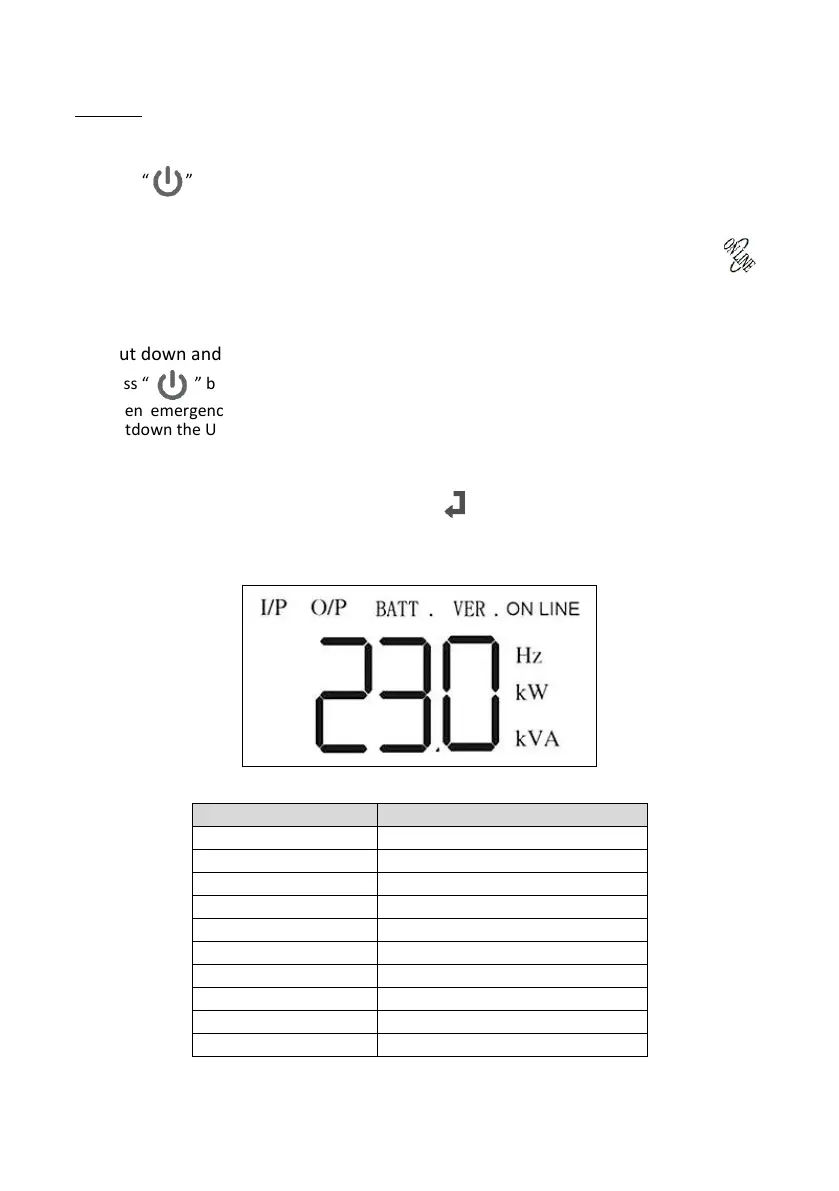
6.5 UPS status display
UPS status will display as following meter, press “ ” to show all UPS status.
Shows Output Capacity (Watts)
Shows Output Capacity (VA)
Shows UPS Firmware Version



 To Next Page