9
© All rights reserved. All trademarks are property of their respective owners.
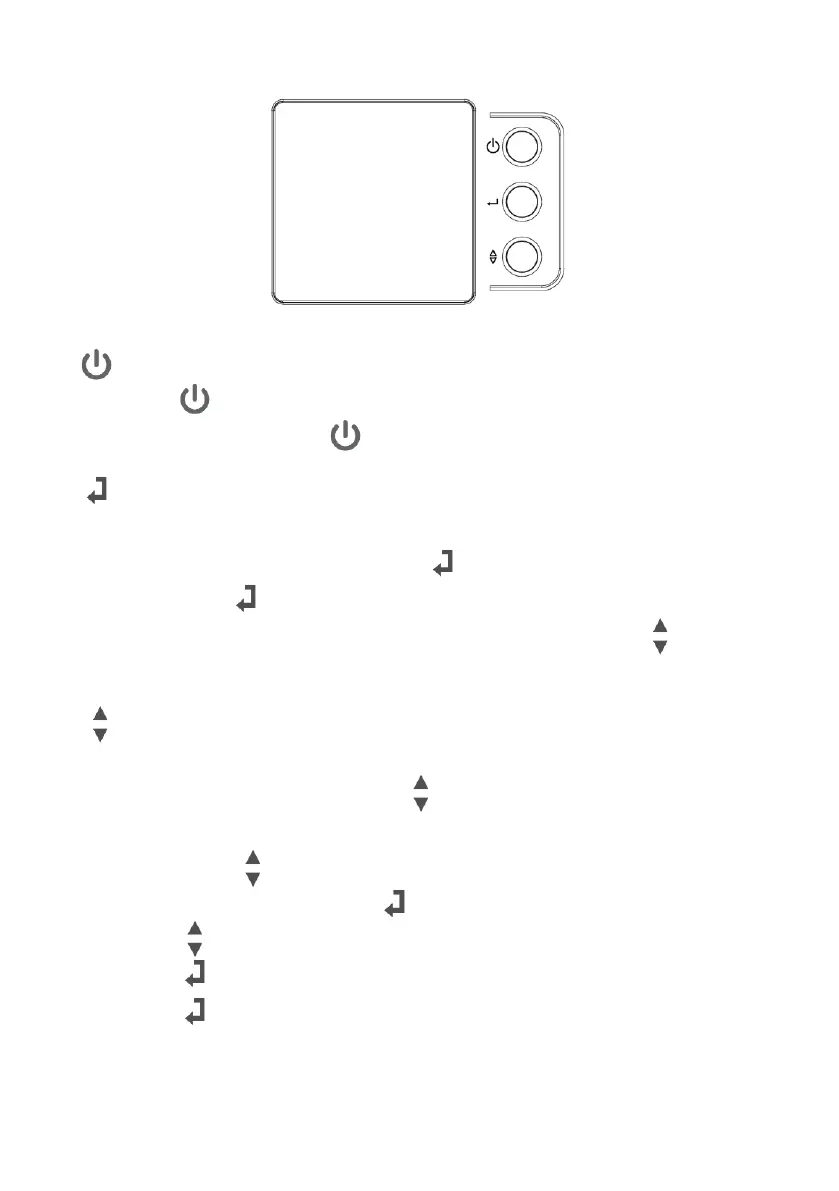
6.4 LCD control panel
Fig.7 Control panel
: ON/OFF
(a) Press “ ” button and hold for 3 seconds to turn on the UPS.
(b) While UPS is working, press “ ” button and hold for 3 seconds to turn off the UPS.
: Status or Enter
There are 10 status can be configured by user.
(a) To check the “Status” of UPS, release the “ ” button after holding it for 1 second.
(b) Keep pressing “ ” button to see the other status
(c) “Enter” function will only be activated while settings. See more in the “ ” button.
(d) If UPS idles more than 20 seconds, the display will return to main status.
: Settings or Selection
There are 7 status can be configured by user.
(a) To change the “Settings”, release the “ ” button after holding it for 1 second to enter
the configurations mode of the UPS.
(b) Keep pressing “ ” button to see other configurations.
(c) After choosing the function, press “ ” button to enter the function.
(d) Press “ ” button to select your options.
(e) Press “ ” button to enable your option.
(f) Press “ ” button again to confirm and enable your function.
(g) If UPS is idle over 10 seconds, the display will return to main status.



 To Next Page