24
Powerware 9315 (200 kVA---300 kVA) Operation
164201036 Rev. D 041500
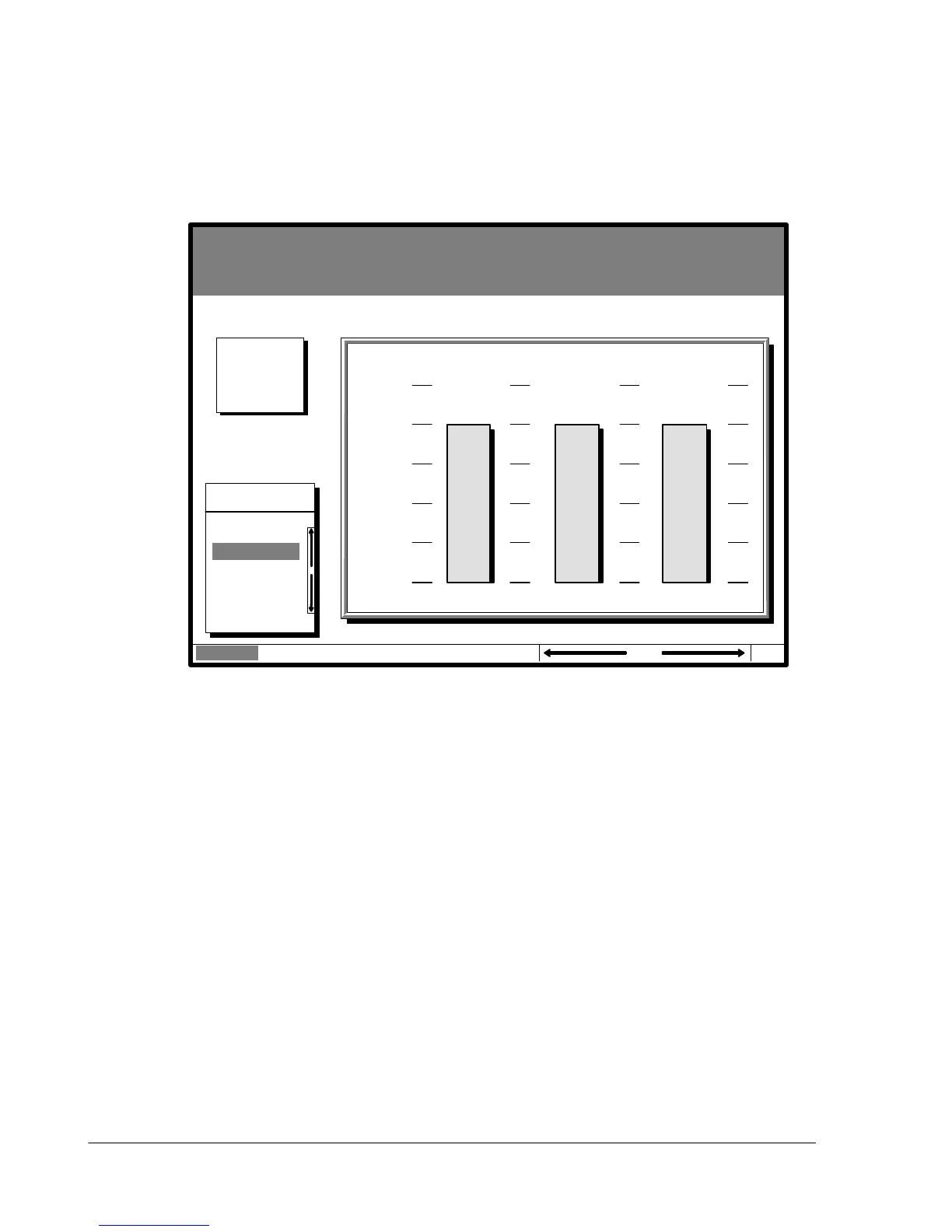
Select Load Amps from the Meters menu to see a real-time bar graph of the output
current of the UPS. The graph shows the current for each phase.
Figure 11 shows the Load Amps Meters screen.
Uninterruptible Power System
System Normal
Alarm: None
Notice: None
Meters
System
Load Amps
Events Statistics Graphics SetupMeters
Output Current
125%
100%
75%
50%
25%
0%
Phase A Phase B Phase C
04 MAY 1997 14:23:45
Battery
100%
Percent
Figure 11. Load Amps Meters Screen












 To Next Page