28
Powerware 9315 (200 kVA---300 kVA) Operation
164201036 Rev. D 041500
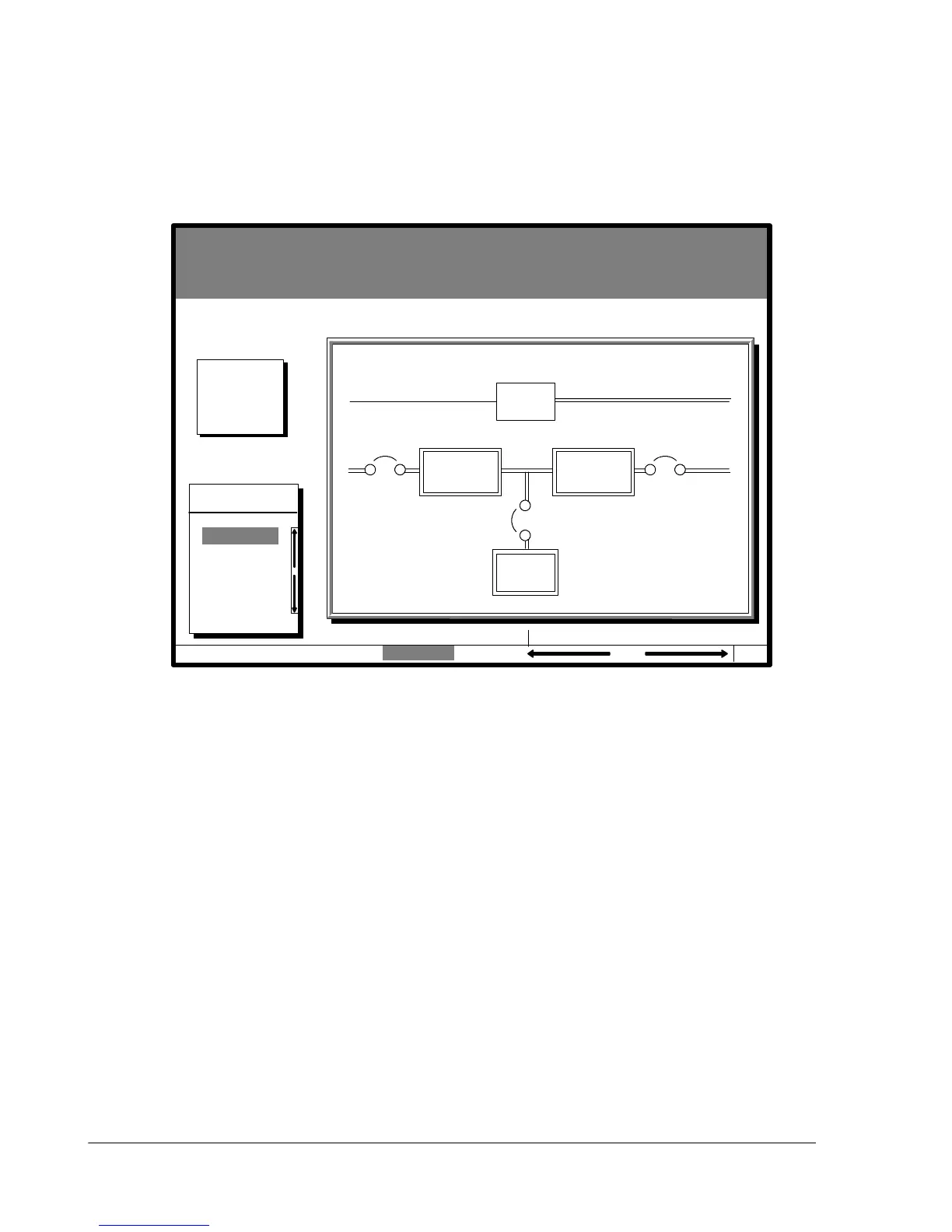
Select Mimic from the Graphics menu to display a real-time graphical representation
of the flow of current through the UPS.
Figure 15 shows the Mimic screen.
Uninterruptible Power System
UPS System Normal
Alarm: None
Notice: None
Events Statistics Graphics SetupMeters
Graphics
Mimic
04 MAY 1997 14:23:45
CB1 K3
Rectifier Inverter
Bypass
Battery
100%
Percent
Battery
K2
Figure 15. Mimic Screen
The Mimic screen shows the internal components of the U PS cabinet. The flow of
current through the components is highlighted.












 To Next Page