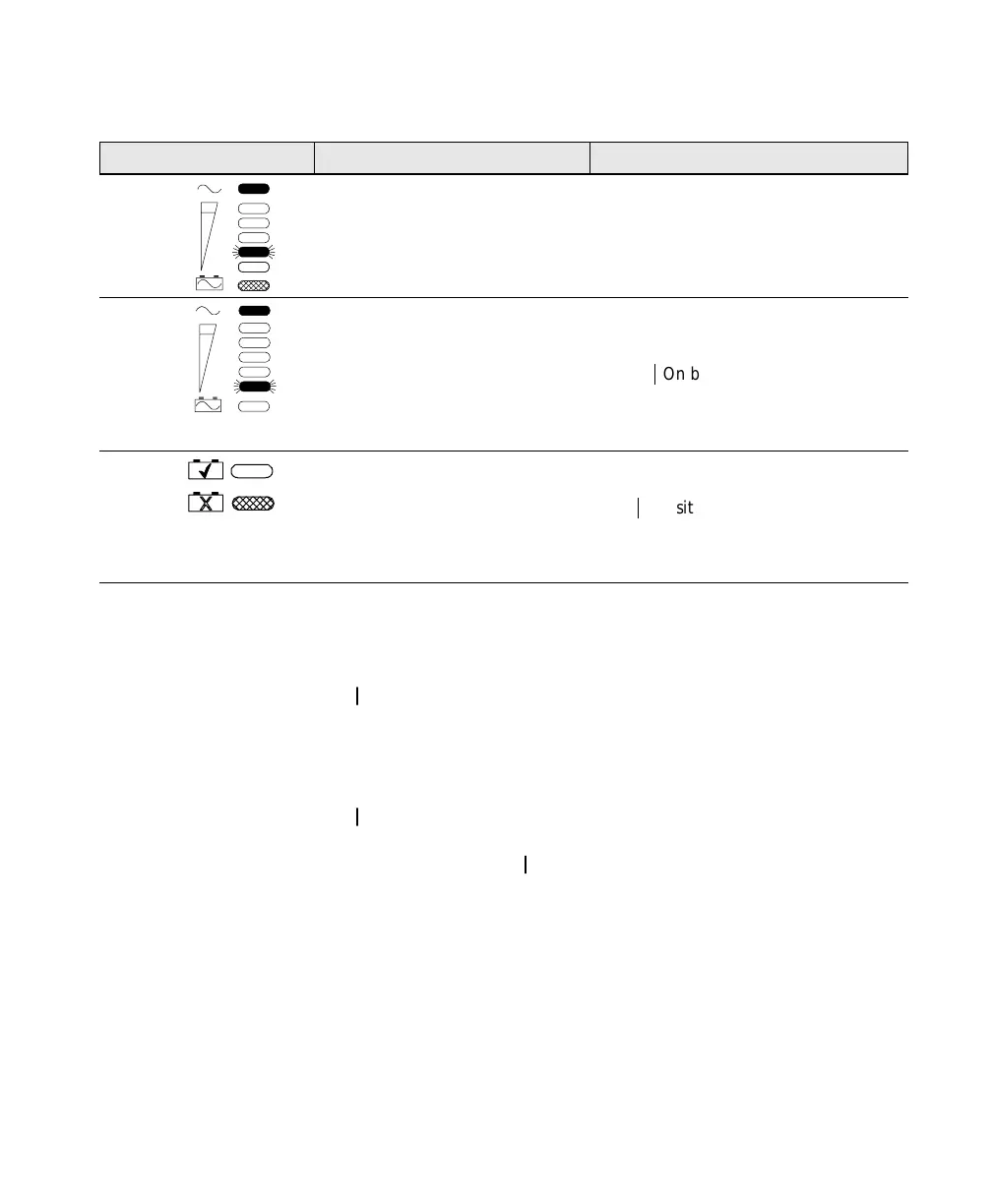
Troubleshooting
73
Powerware
®
PrestigeSeriesInstallationand Operator’s ManualforIBM Applications (6000 VA)Uncontrolled Copy
ActionPossibleCauseCondition
BATTERY
Weak battery while in Bypass
mode.
This usually indicates that the batteries
need replacing or the UPS requires
service. Contact your service
representative.
SELF TEST
Self Test failure. UPS internal
problem.
The UPS may switch to Bypass mode,
depending on the circumstances.
Reset the UPS by pressing the
Output
|
On button until the alarm
beeps.
Contact your service representative if
condition persists.
NORMAL
REPLACE
Weak battery. Verify that the battery is connected and
the battery circuit breaker is in the
ON (
|
) position. If battery is properly
connected, allow the battery to charge
for 24 hours. Retest. Have batteries
replaced if condition persists.
Resetting the UPS
To reset the UPS while an alarm condition is present, press the
Output On button until the UPS alarm beeps.
Silencing the Alarm
To silence the alarm for an existing fault, press and hold the
Output On button for one second.The alarm becomes quiet.
If UPS status changes, the alarm beeps, overriding previous alarm
silencing. Press the Output
On button again to silence the alarm.













 To Next Page