Installation
32
Powerware
®
PrestigeSeriesInstallationand Operator’s ManualforIBM Applications (6000 VA)Uncontrolled Copy
UPS with PowerPass Distribution Module Installation
The PPDM has a Maintenance Bypass feature that supplies power to
your equipment even when the PPU is removed for maintenance or
upgrades. There are three PPDM models: the L6-30R/IEC 320-C19
PPDM, the IEC 309 PPDM, and the L6-30R/5-15R PPDM. The rear
panels of these models are shown in Figure 5 on page 33, Figure 7 on
page 34, and Figure 8 on page 35, respectively.
Use the following procedure to install the PPU and battery cabinets with
the PPDM:
1. Place the UPS near the equipment to be protected. The UPS
should be well ventilated and away from direct sunlight or
other heat source.
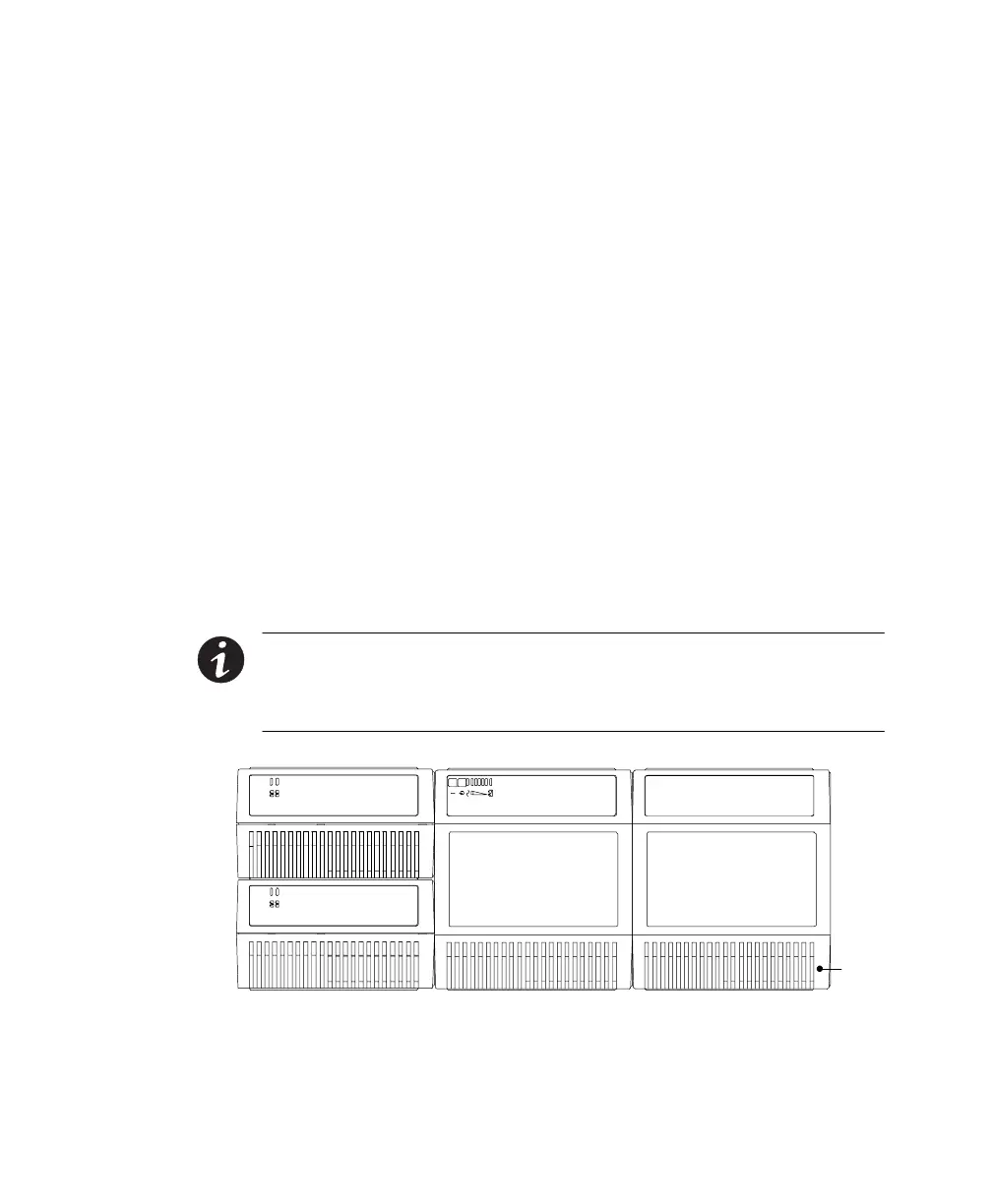
Stack the PPU, battery cabinets, and PPDM as shown in
Figure 4.
If more than two batteries are to be used, place the batteries
next to the other batteries. (See the FCC Statement in the front
of this manual for more information on radio-frequency
emissions.)
NOTE Do notconnectmore thansixstandardbatterycabinetsto the PPU. For
extendedbattery runtimes, contact yourlocaldistributor foradditionalbattery
cabinets.Do notplacemore than six cabinetsinone stack (the PPUisequal totwo
cabinetsand thePPDM is equalto two cabinets).
PPDMPPUBattery Cabinets
Air
Vents
Figure 4. UPS with PPDM













 To Next Page