300 Card Printer – User Guide
13
Macintosh
The Macintosh printer driver can be downloaded as follows:
1. From your Macintosh (Mac) computer, first go to the Magicard website: https://magicard.com
2. Select the Support option at the top of the page and then select your printer model from the selection
shown. Then select Drivers and Downloads and finally, the MacOS Printer Driver option.
3. You should now see the option to select a different Operating System (OS) – Macintosh (Apple icon) or
Linux (Penguin icon). Select the ‘Apple’ icon option. This will download the Macintosh driver installer to
the user’s computer.
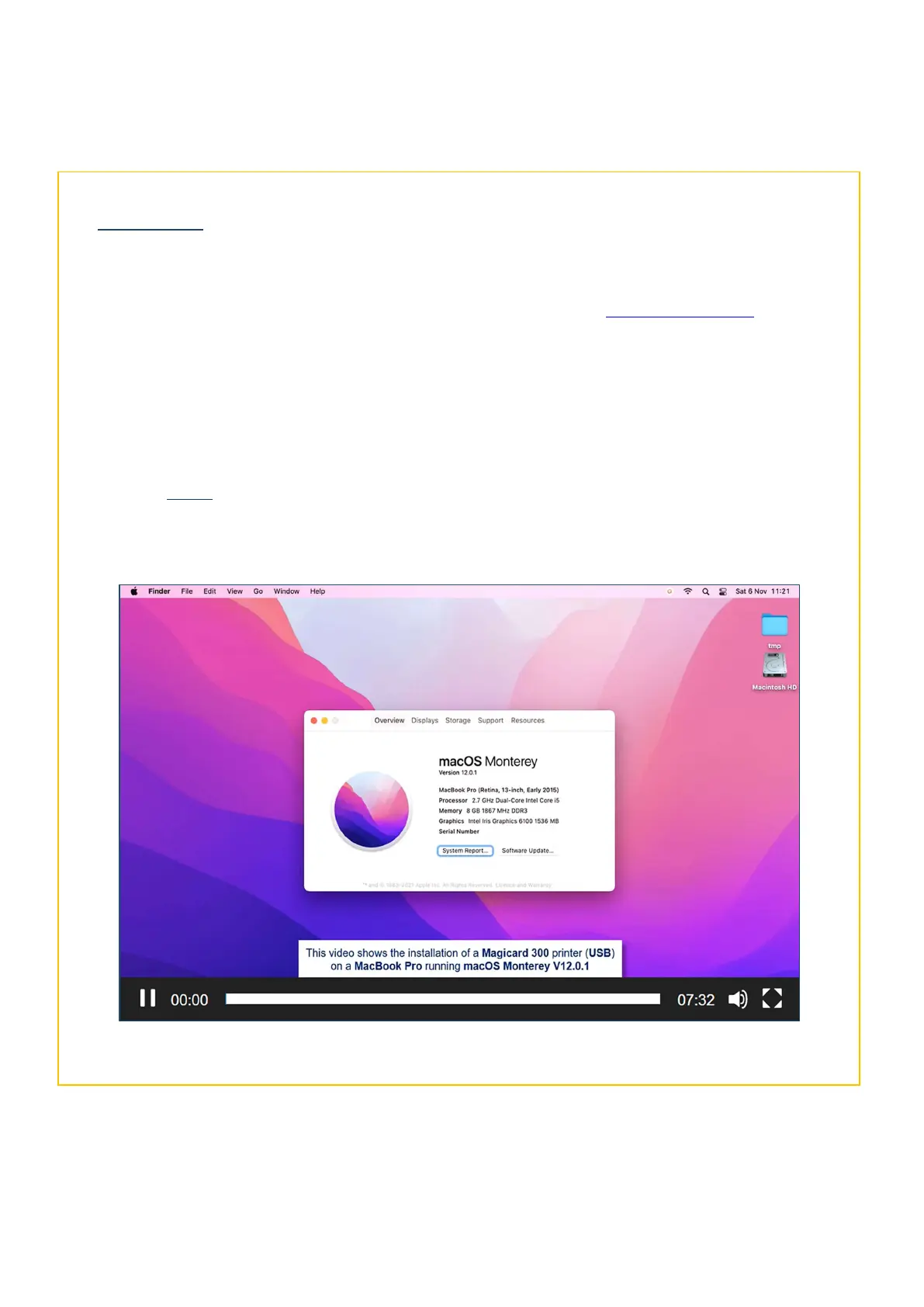
4. NOTE: Before installing the Mac driver, it is first recommended to watch the Video Guide for Download
and Installation (see below) and also, to check which processor your Mac computer is using – Intel or
ARM (please see the following page for further details).
The Macintosh Driver Install Video



 To Next Page