300 Card Printer – User Guide
34
PRINTER MAINTENANCE
Cleaning the Printer
The Recommended Cleaning Kit
Your printer is designed to give many years of trouble
free service provided the printer is regularly cleaned and
maintained.
Generally, it is recommended the printer is cleaned (using an approved cleaning kit) each time 700 cards are
printed or whenever the printer’s dye film is replaced (whichever is the sooner).
Maintaining a regular cleaning routine will give you optimum print quality and prevent down time. We
recommend that you clean the printer’s rollers and printhead each time you change the dye film.
A clean printer will produce superior quality ID cards and is less likely to require factory maintenance
and/or repair.
In normal environments, regular maintenance should improve the longevity of the printhead itself.
(Remember… foreign particles can lodge under the printhead and cause permanent damage!)
Increased reliability when magnetic encoding ensures the encoded data can be read accurately, reliably
and continuously.
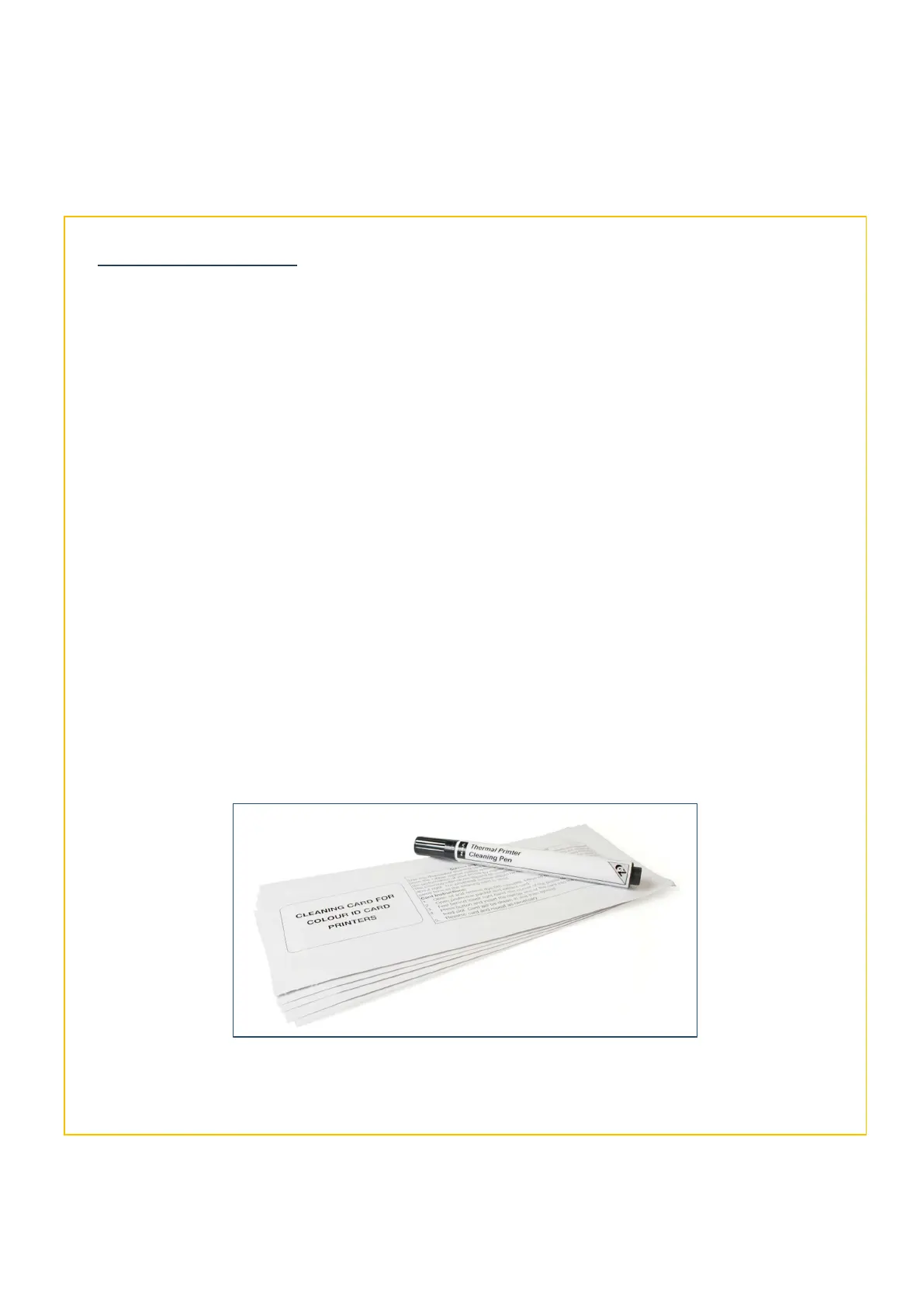
The recommended cleaning kit (Pt. 3633-0053) comprises of ten cleaning cards and a cleaning pen.
Replacement kits can be ordered from your dealer or printer supplier.
The Recommended Cleaning Kit



 To Next Page