300 Card Printer – User Guide
35
Using the Cleaning Pen
Printhead Face using the Cleaning Pen
1
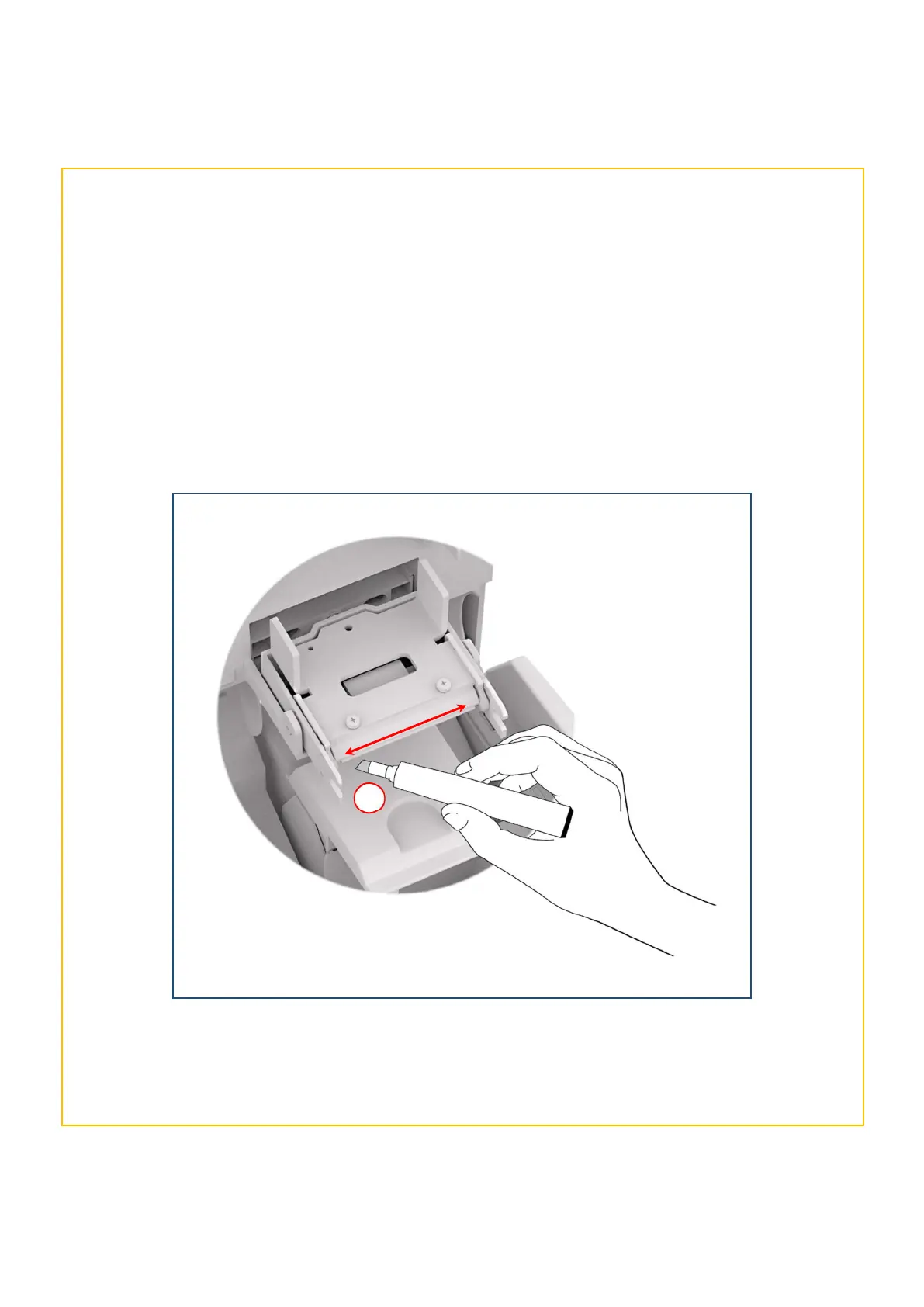
The cleaning pen supplied with the cleaning kit (Pt. 3633-0053) is used to clean the face of the printhead. The
pen contains Isopropyl Alcohol (IPA) and is very effective at removing light contamination (such as finger grease
etc.) which would otherwise spoil a printed card.
To use, simply run the tip of the pen across the print face several times as shown in the diagram below (1).
Once clean, do not touch the print face!
The tip of the cleaning pen can itself be cleaned using an old (expired) cleaning card. Gently rub the tip of the
pen against the (now dry) surface of the card to remove any contamination.



 To Next Page