OPERATION
9 | PreSonus 2008
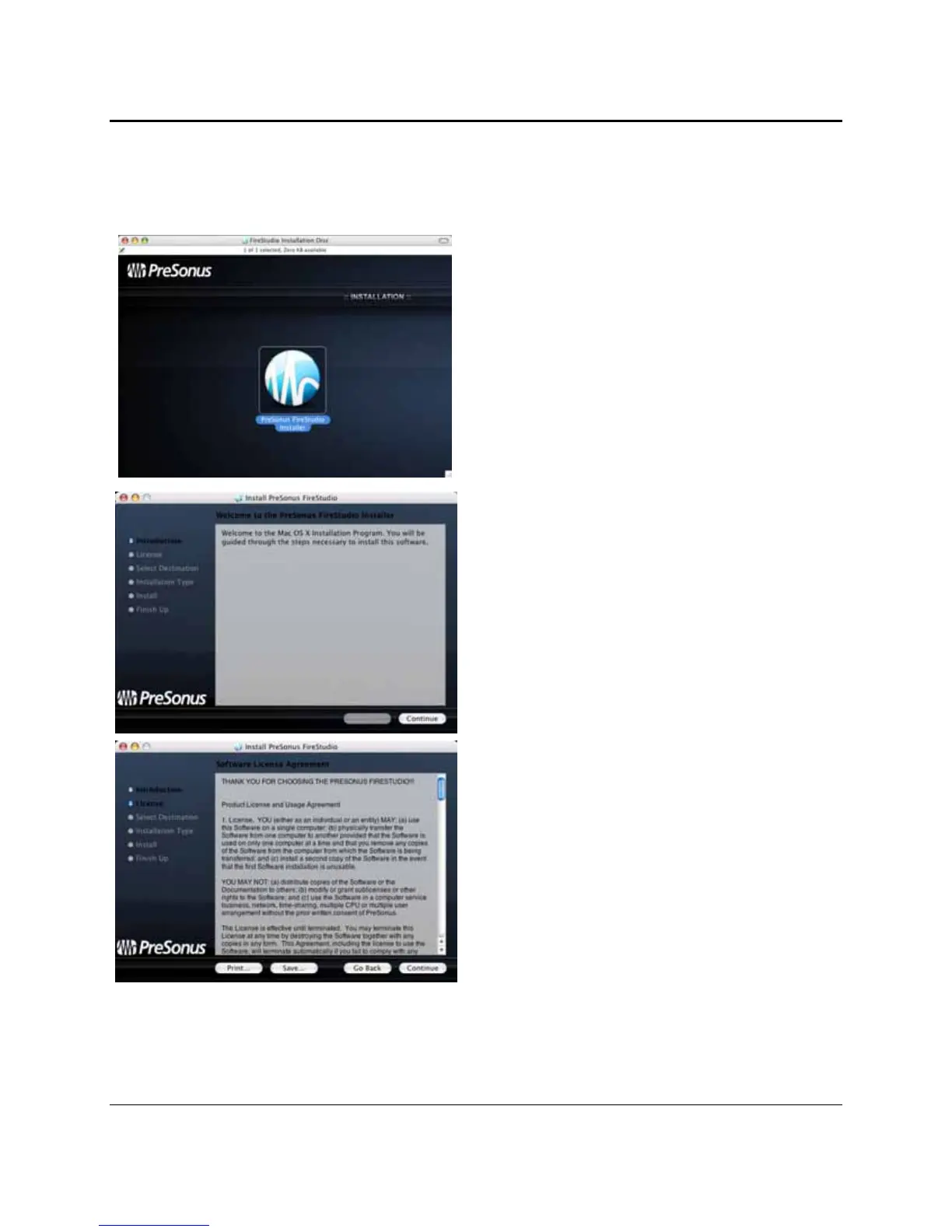
After inserting the Installation CD into your disc drive, browse the disc and run the FireStudio installer,
which will take you through each step of the installation process. Please read each message carefully –
ensuring especially that you do not connect your FireStudio early.
1) To begin installing the FireStudio driver on your
Mac, double click on the FireStudio logo.
2) You will be directed to the welcome screen.
Click “Continue”
3) Take a moment to review the license agreement
and click “Continue”.















 To Next Page