OPERATION
10 | PreSonus 2008
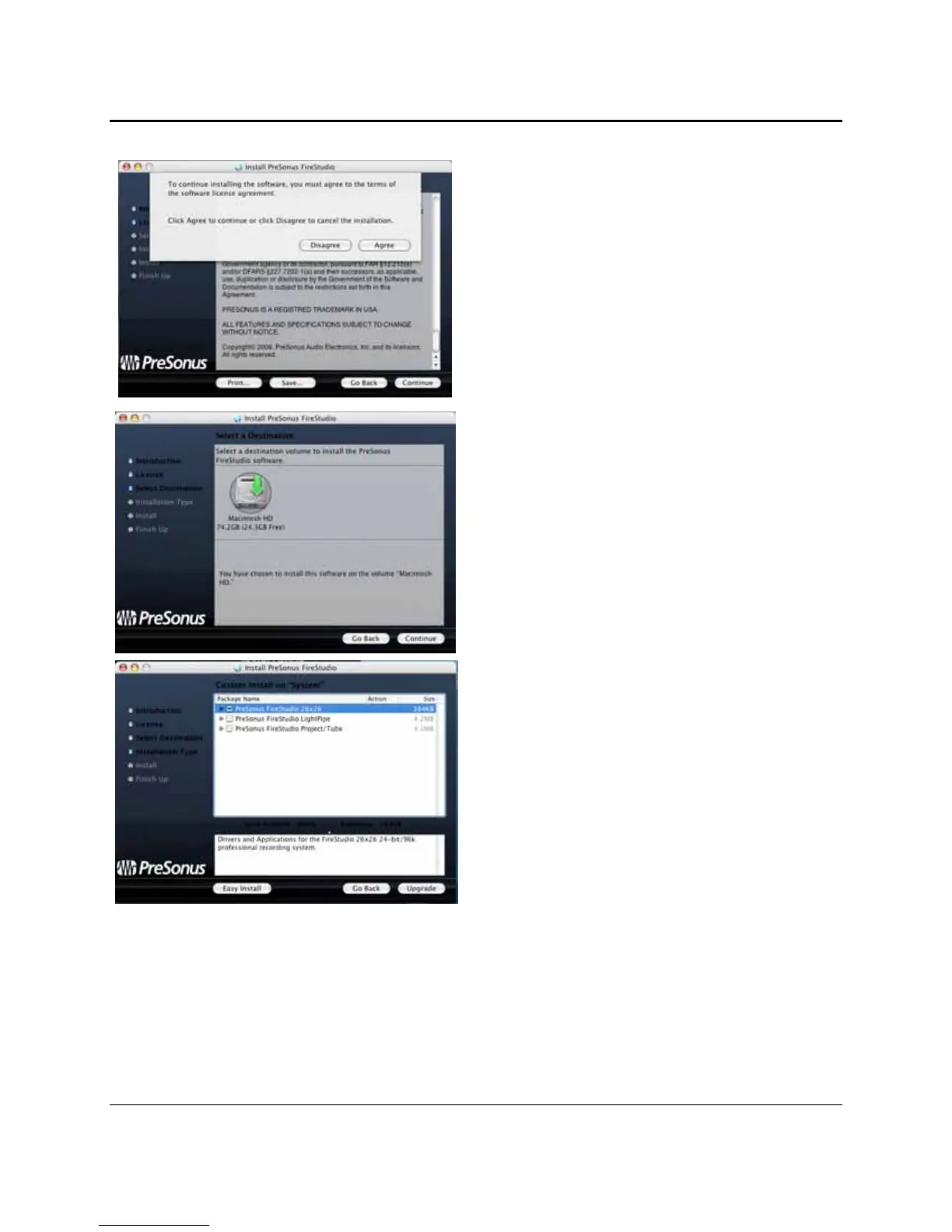
4) Click “Agree” to continue installation.
5) You will be directed to choose the hard drive
onto which you want to install the drivers and
FireStudio Control Console Software. You
must choose your system drive. Storage drives
and partitions cannot be used as hosts for the
driver.
6) The FireStudio installer contains the
installations for the entire FireStudio family of
interfaces. Select “FireStudio” from the list.
A “ – “ will appear in the box to the left.
Click “Upgrade”















 To Next Page