18
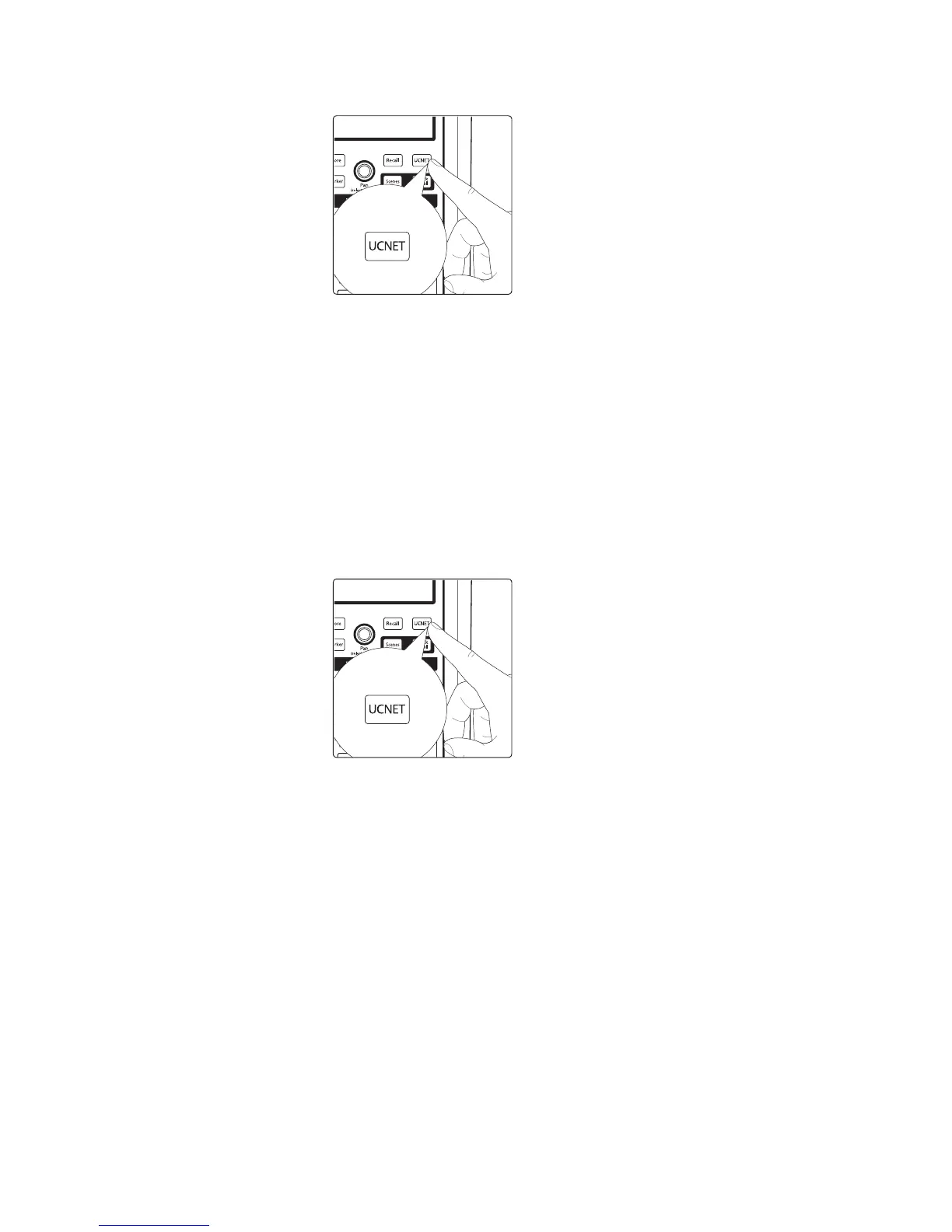
1. Press the UCNET button to open the Network Connection screen.
2. Press the Network name at the top of the touchscreen.
3. The Network List view appears, showing all of the
wireless networks being seen by the CS18AI.
Note: Scanning for networks can take a little time. If you see a dialog that
reads “The unit has limited or no Wi-Fi capability detected or is still scanning
for additional networks,” try closing and reopening the Network List.
4. Press the name of the wireless network you want to
use in the list of available wireless networks.
5. Enter a password at the prompt, if one is required.
6. Press the Enter button.
7. Press the UCNET button; the name of the network you just joined should be
displayed at the top of the screen. If it is not, you did not successfully join the
network and must try again or troubleshoot the network connections.
Your system is now configured to connect to the new wireless network.
Every time you turn on your StudioLive CS18AI, it will:
1. Look for a wired Ethernet connection and use it if one is found.
2. If no wired connection is found, the CS18AI will check
whether the USB Wi-Fi LAN adapter is plugged in.
3. If the Wi-Fi LAN adapter is found, the CS18AI will look for, and attempt
to connect to, the wireless network it has been configured to use.
Note: StudioLive RM-series mixers ad CS18AI support only WPA and WPA2 security.
Please be sure that your router is configured using one of these security protocols.
Power User Tip: WPA and WPA2 are protocols created to make wireless
networks secure. WPA stands for “Wi-Fi Protected Access,” and WPA2 is a
later version that conforms to the IEEE 802.11i networking standard. Most
routers have settings that manage their security protocols; consult the
documentation for your router to learn how to change these settings.











 To Next Page