14
2.5 Powering and Testing the CS18AI
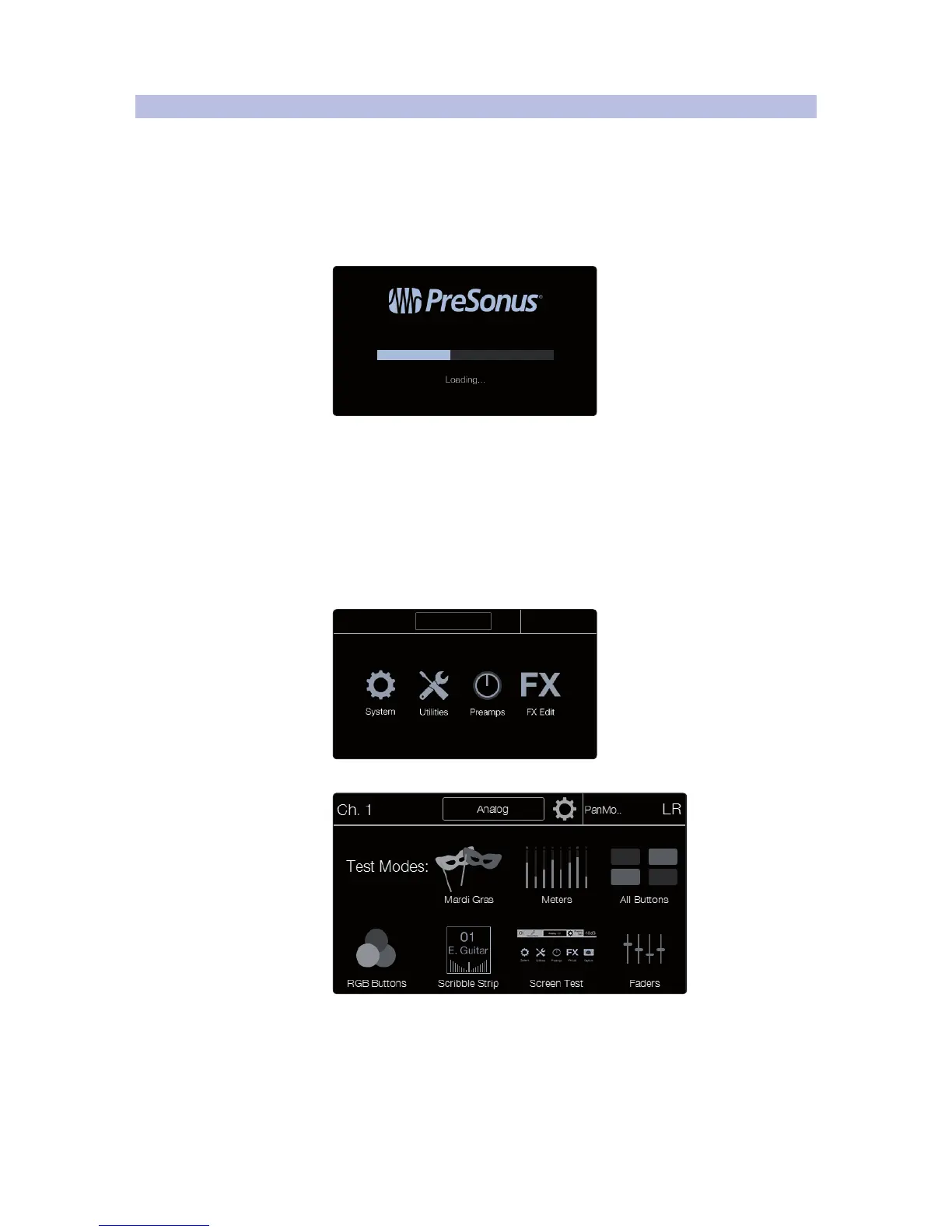
CS18AI Startup
Once your CS18AI controller and RM-series mixers are updated to the most
current firmware, connect the CS18AI to a power source and switch it on.
1. The meters will light up in sequence, scanning
left and right across the meter array.
2. The Launch page will appear.
Using Test Modes to Check CS18AI Operation
Your CS18AI features a suite of test modes useful for confirming
basic operation of the front panel controls.
IMPORTANT: The StudioLive CS18AI should be disconnected from your RM
mixer or computer running Studio One while performing these tests. When
testing is complete, power cycle (power off and then on) your unit.
To run the test modes:
1. Press the System button. The Home page appears.
2. Touch the Utilities icon. The Utilities page appears.











 To Next Page