30
2. When there are more than 16 Filter DCA Groups, they are split into multiple
layers. Press the Shift button to access the additional group masters.
3. While the Group Masters layer is active, you can mix by balancing the groups
you’ve created, such as Drums, Horns, Guitars, Keyboards, and Vocals.
4. To open an individual group, press the Select button on
the group master channel you’d like to access.
5. The channel strips will now display the channels in that group and the
touchscreen will show the Groups view with the selected groups highlighted.
Accessing Mixes
To access an individual mix:
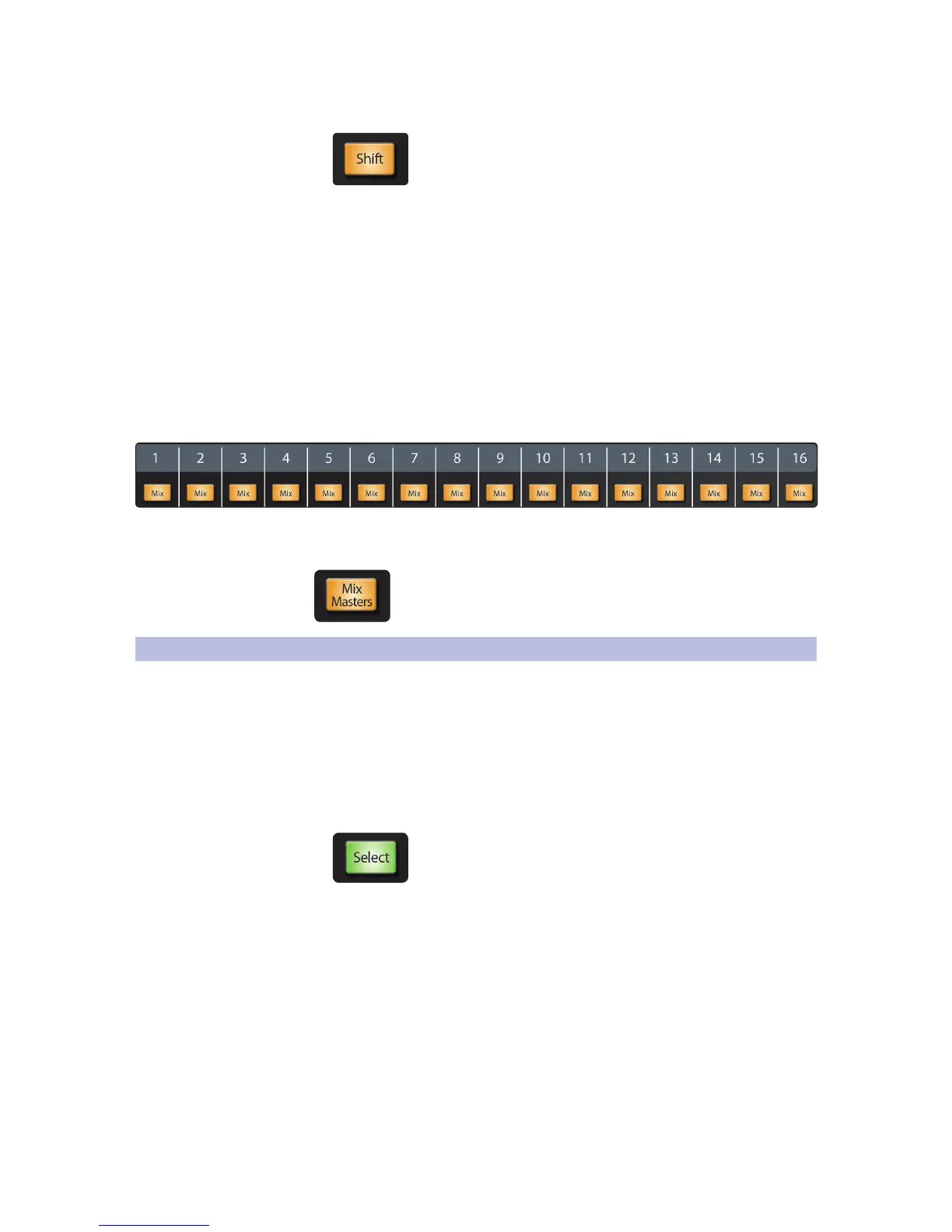
1. Press the Mix Select button for the mix you want to access. For
instance, to access mix 7, press the Mix button under the Mix 7
label. The faders now control the mix of channels into Mix 7.
To access all mix masters, press the Mix Masters button in the
Faders area to make the Mix Masters layer active. The channel strips
now control the master send channels for the 16 mixes.
5.2 Basic Channel Operation Summary
This section summarizes the most commonly used channel operations.
Selecting Channels
To select a channel within a layer:
1. Be sure the proper layer is active.
2. Press the Select button for the channel you want to access. The
button lights to show that the channel is selected, and the top left
of the touchscreen will display the channel name and source.
When a channel is selected, these controls apply to it:
• Fat Channel editing
• Channel Option buttons (Stereo, Assign, Channel, A/B)
• Selected channel metering (level, compressor gain
reduction, gate/expander gain reduction)
• Touchscreens with channel-specific functions











 To Next Page