68
Here are some of the things Filter DCA Groups can do that make your job easier:
• Channels are automatically grouped based on channel type. Drums,
Vocals, Guitars, and Keyboards are just a few of the factory-supplied
channel types for tagging channels. The act of designating a channel
type for a channel automatically puts the channel into the Filter DCA
group for the chosen channel type. Fast and easy, that’s how we like it.
• Custom grouping is available when needed. It’s easy to create and
name your own group and then add the channels you want.
• Visual filtering of Filter DCA Groups brings the channels in the group
to the surface, while channels you don’t need are filtered out of the
way. Flipping between groups is the fastest and cleanest way of
getting to exactly the channels that need adjustment without having
to navigate multiple layers regardless of what’s in the layer.
• The Filter DCA Group Masters layer provides a custom layer of control
groups. Creating a group with just one channel, such as lead vocals,
is a great way to setup your custom Group Masters layer. Once you’ve
established your groups, you can run your mix from the Group Masters
layer and simply dig into groups to adjust individual channels as needed.
Creating a New Filter DCA Group
Channels can be a part of multiple Filter DCA Groups.
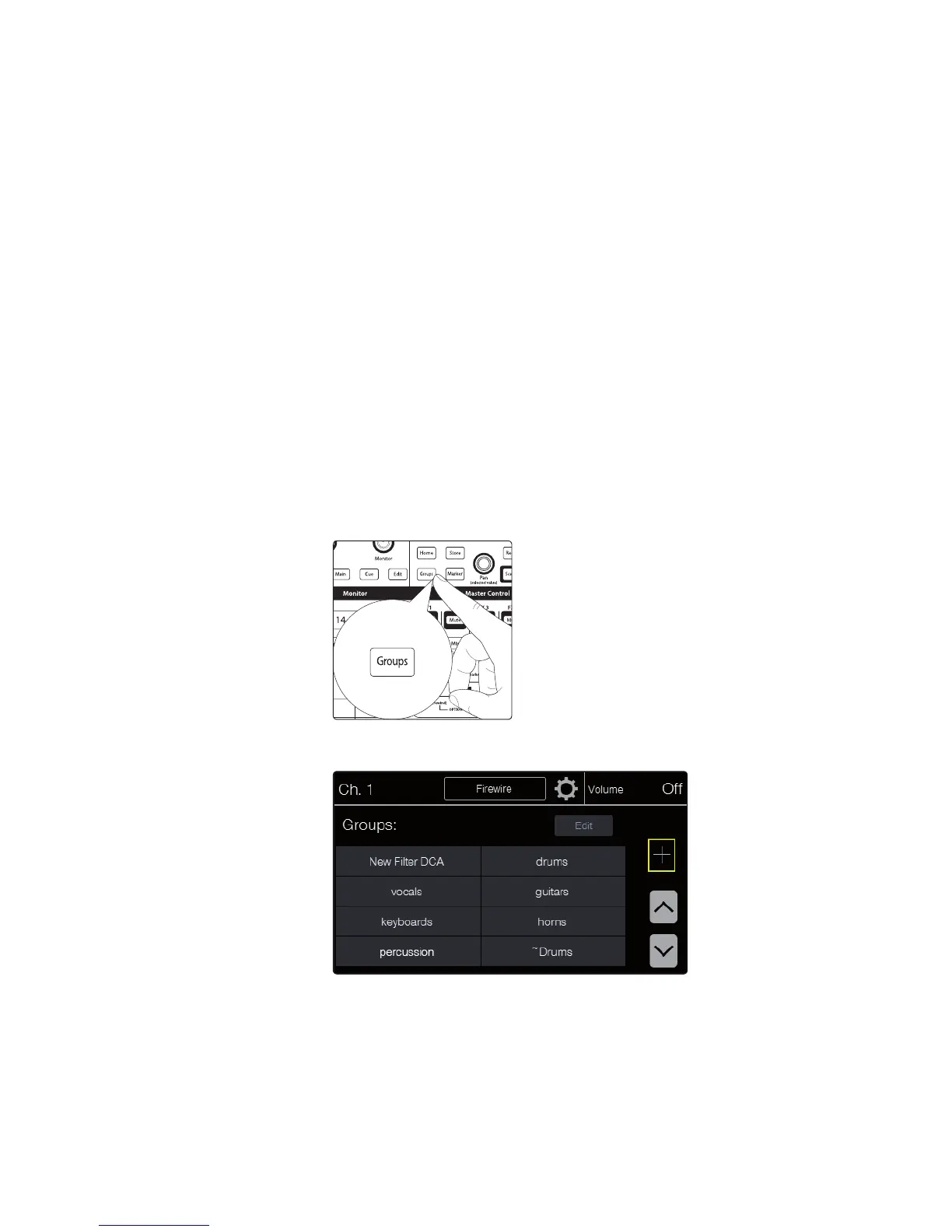
1. Press the Groups button in the Master Control
section. The Groups Main page appears.
2. Touch the + (plus sign) button in the touchscreen to create a
new Filter DCA group. The Group Edit page appears.











 To Next Page